Souvenir Orders: Catalogue, Sample Approval and Batches in BotMarketing
By BotMarketing.pro published updated
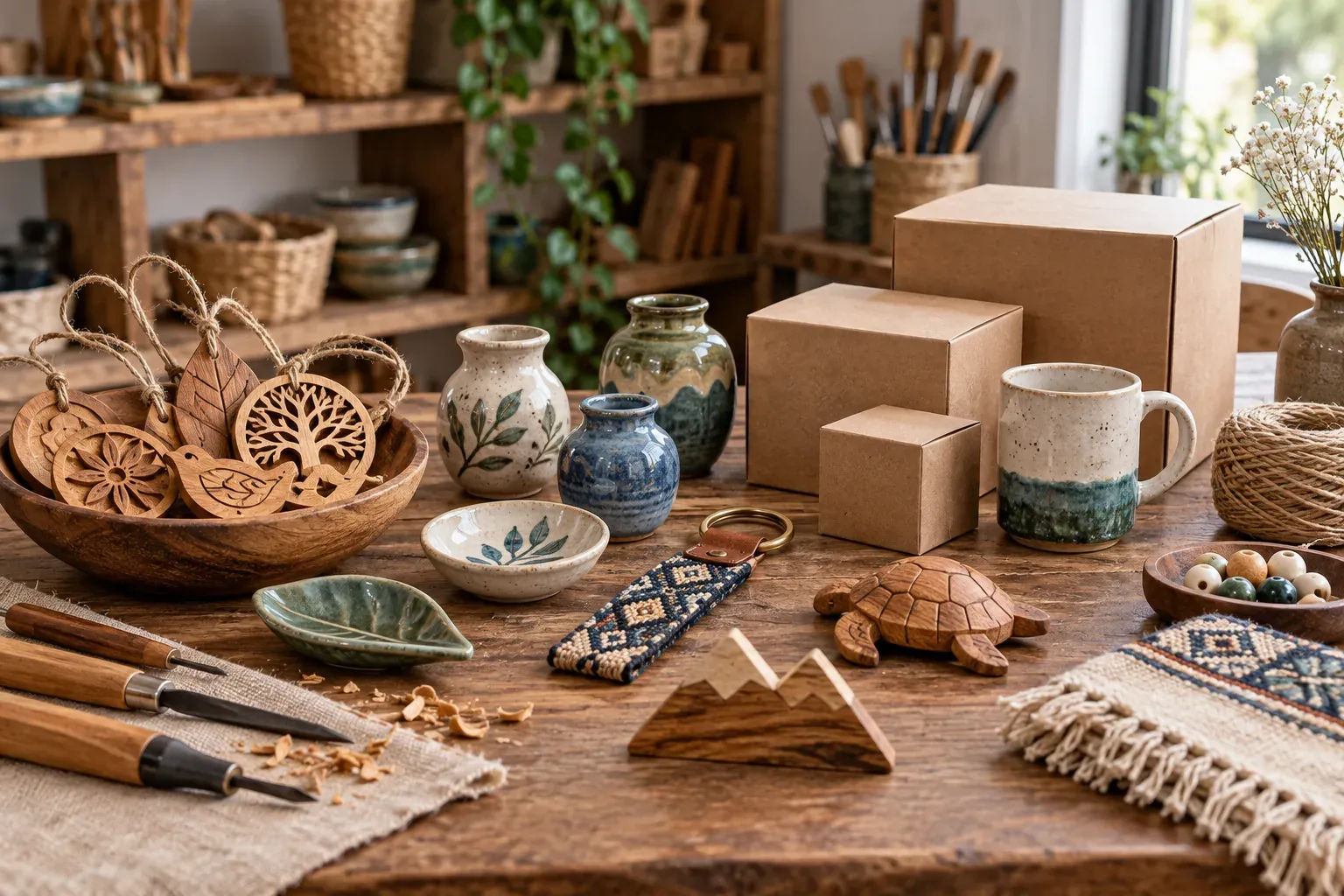
A buyer selects a catalogue magnet, then asks for a logo, a different size and 50 copies for an event. The request has become a production job. Finished stock does not prove that blanks, artwork or workshop capacity are available for that batch. Separate a ready-made purchase, personalisation of a fixed design and a new custom run.
The examples below include three product cards, a brief and a sample approval. They also show exactly where BotMarketing fits into the ordering process. Products, quantities and prices are illustrative.
Give each type of order a clear product description
Show what can be bought unchanged, which fields can be personalised and what needs development. Occasion categories such as guest favours or corporate keepsakes can help browsing, provided they do not hide the production requirements.
Ready-made: buy the item shown
Old Town magnet. Birch plywood, 60 × 40 mm, 3 mm thick, no personalisation; eight finished pieces available. State the actual unit price, included paper sleeve and collection or delivery arrangements. Use a current photograph. A request for another inscription should follow the personalisation route, rather than becoming an unpriced extra on this product.
Personalised: change supported fields
Wooden name tag. A fixed shape and font, a name of up to 12 characters and one engraving position. Show an inscription example and explain the included changes: a new name does not include new artwork or a new shape. Confirm exact spelling, blanks, price and readiness date before accepting the order. The photograph shows a sample, not the buyer’s finished personalised piece.
Custom batch: request a brief and quotation
Event keepsakes. A new shape, logo, special packaging or a batch with different names needs review. Label portfolio examples with their material, dimensions and decoration method, then invite a quote request. A previous project’s price is not a price for every new run. For material and individual-design decisions, see the jewellery maker guide.
Collect the delivery requirement and approval contact
The buyer can send this brief through the bot’s support enquiry. Start with one authorised contact; request recipient names or addresses later if fulfilment needs them.
We need 40 wooden event magnets, 60 × 40 × 3 mm, with one logo on one side and identical sleeves. Required receipt: by 25 October, in our city. Budget: up to $450 excluding delivery. Our contact will supply the artwork; Anna approves the work. We need a physical sample before the run. Please quote the sample, setup and delivery separately.
Check material, decoration method, detail size, packaging and workshop capacity. For branding, identify who supplies the approved file and permission to use it. Artwork preparation, waiting for approval, manufacture and shipping need separate time allowances. The seasonal gift box guide covers orders assembled from multiple components.
Keep production time distinct from transit time. Wytex describes production starting after approval and payment, with carrier time excluded from its production lead time. Set your own realistic dates and payment terms for each project.
Approve the sample and quantity as one specification
A dimensioned digital proof may be enough for a name in a fixed template. A new shape, material, finish or large batch may need a physical sample. Explain sample charges, included revisions and the features being approved. Dilly Dally Dog requires explicit final-proof approval and pauses production while awaiting it; your own approval process should be equally clear.
Combine the project reference, artwork version, sample, material, quantity, packaging, total and agreed dates in one summary. If the quantity increases from 40 to 50, issue v2 and check the schedule again. In this illustrative quote the unit price is unchanged, setup and sample are charged once, and sleeves cost $1 each. Delivery is excluded.
| Version and decision | Units | Unit price | Setup and sample | Packaging | Total |
|---|---|---|---|---|---|
| v1 — approved | 40 | 8 | 25 | 40 | 385 |
| v2 — proposed | 50 | 8 | 25 | 50 | 475 |
| v2 — approved | 50 | 8 | 25 | 50 | 475 |
The extra amount is $90, taking the total above the original $450 budget. Obtain approval for the higher budget or discuss a smaller quantity. Until the buyer approves v2, the approved v1 remains the instruction. These are specification versions, rather than extra order statuses in BotMarketing.
I approve Q060-v2: 50 magnets, 60 × 40 × 3 mm, using artwork logo-v3 and sample S1 unchanged, with one sleeve per piece. Total $475 excluding delivery. Ready on 23 October for collection on 24 October, as specified in Q060-v2. You may start this run once the agreed payment requirements are met.
Silence is not approval. After production starts, check what has already been made before quoting a change. Additional units can become a separately agreed batch; do not promise to replace the design of the entire run without reviewing cost and feasibility.
Manage souvenir orders in BotMarketing
- Build categories and product cards. For finished pieces, choose goods and specify material, size, packaging, price and actual stock. Enable ordering. The example magnet has stock of eight; an empty stock field does not limit quantity. Adding to the basket does not reserve a piece: availability is checked when ordering.
- Separate enquiries from purchases. A buyer adds a finished item to the basket and places an order. Direct personalisation and custom batches to a bot support enquiry with the brief. Disable ordering on portfolio examples until details are agreed, so purchasing a stock item does not promise an arbitrary custom run.
- Review the enquiry. In the company account’s customer requests section, staff read the brief, clarify artwork, sample and deadline, then reply. The maker manages file and sample approval; the service does not approve artwork or calculate workshop capacity automatically.
- Create the agreed batch package. After approval, create a separate service item, such as “Batch Q060-v2, 50 magnets”, priced at the full $475, with the unit described as one order. The buyer orders quantity one and adds the approved specification reference as a comment. This represents one complete batch, not 50 items at the full batch price. Time-slot booking is unnecessary for this workflow.
- Open the new order. Staff receive a notification and check the customer, contents, price and comment in Orders. Record the approved version, appropriately restricted file links, sample approval and promised date in the internal note. Verify payment separately under your terms; a buyer’s “paid” message does not prove receipt.
- Move the checked order into Processing. Send the customer an update through the order card. Track proof waiting, manufacture and quality checks in notes and your production records. If quantity changes, approve a new specification and matching package first; check that the earlier order does not remain a second active commitment.
- Confirm readiness and fulfilment. Message the customer through the order card with quantity, packaging, collection window or shipping arrangements. Mark the order Fulfilled after completion. Check subscription features and staff permissions for catalogue, enquiries and orders, then test one stock purchase and one brief-based enquiry.
Finished-goods stock does not track plywood, paint, sleeves or production capacity. Check these separately. Editing a comment also does not recalculate the price or approve a revised specification.
Handover and repeat runs need the approved reference
Check quantity, inscriptions and packaging against the sample. For different names, keep one final list and recheck it before decoration. When shipping, distinguish carrier handover from estimated receipt and choose packaging for the actual journey.
Q060-v2 is ready: 50 magnets using logo-v3, each in a sleeve. At handover we will check the count and sample S1 together. Collection window: [insert]. For a repeat run, send the project reference, new quantity and required receipt date so we can check materials and timing again.
Get permission before putting client branding, names or private projects in a public gallery. A previous version is a useful starting point for a reorder; price, materials and workshop capacity still need fresh confirmation.