Seasonal Gift Box Orders: Components, Cutoffs and BotMarketing
By BotMarketing.pro published updated
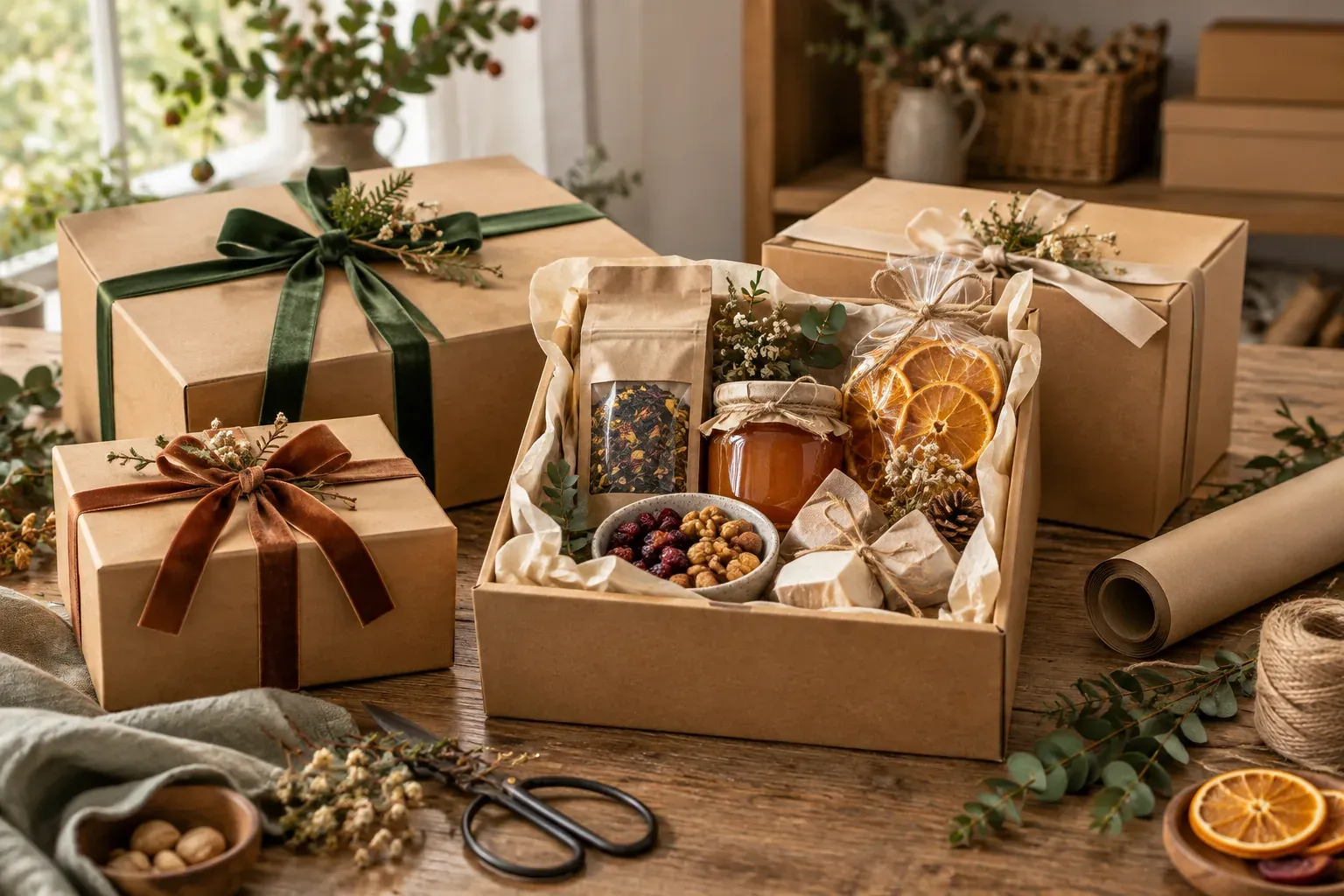
Two gift boxes may be separate catalogue products while consuming the same tea and packaging. Listing each at its maximum possible quantity can create more orders than the workshop can assemble. Seasonal orders also bring card messages, brand artwork and handover dates that need to stay with the right gift.
Start with a checked specification and capacity plan, then use BotMarketing for the catalogue, checkout and customer conversation. The component matrix, cutoff calendar and corporate brief below give a small gift-box maker a practical way to do this. All quantities, prices and dates in the examples are fictional.
Allocate shared components across the whole seasonal range
The workshop has 30 tea packs, 12 honey jars, 10 candles and 20 boxes with ribbons. Its remaining assembly and checking capacity is 18 gifts. Box A contains tea and honey; Box B contains tea and a candle. Each needs one box. None of these components has yet been allocated to a separate corporate commission.
| Component | Available | Box A | Box B | Used by 10 A + 8 B |
|---|---|---|---|---|
| Tea, 50 g pack | 30 | 1 | 1 | 18 |
| Honey, 150 g jar | 12 | 1 | 0 | 10 |
| Unscented candle | 10 | 0 | 1 | 8 |
| Box with ribbon | 20 | 1 | 1 | 18 |
Considering each design alone gives 12 A and 10 B, but selling both quantities would need 22 boxes. The team can only complete 18 anyway. Allocating 10 A and 8 B respects both the component limits and capacity. Two unused boxes do not create two additional assembly slots.
Maintain this allocation in a working sheet. BotMarketing goods stock counts the listed gift product; it does not automatically deduct tea or packaging across different bundles. Allocate shared components before setting product availability. Recheck the whole range after offline sales, specification changes or acceptance of a corporate batch.
Each listing needs the actual contents and quantities, current price, photograph of that specification, packaging and permitted personalisation. For example: “A — 50 g tea, 150 g honey, green-ribbon box and a card with your message; $42 USD.” Use current product labels for ingredient and care information. A new component requires a fresh check, not an assumption that the gift is suitable for everyone.
Work backward from each handover route to its cutoff
Allow time for checking, assembly, sourcing and approval before promising a date. Dispatch and arrival are different milestones. Branded packaging also needs an artwork approval deadline before printing begins.
The Memento & Muse FAQ separates pre-designed gifts from custom development. In another maker’s workflow, Pacific Gift Box confirms artwork before printing and handles recipient lists separately. Their lead times and policies are examples of their operations, not ready-made deadlines for your workshop.
- Standard box, local collection on 18 December. In this example, approve the order and payment arrangements by 13 December, receive card text by the 14th, then assemble and check on the 16th–17th. Confirm a collection window and location.
- Standard box with shipping. After checking the chosen carrier route, the maker agrees dispatch on 11 December. Orders close on the 7th, card text is due on the 8th, and assembly and checking take place on the 9th–10th. Discuss expected arrival and route uncertainty separately.
- Branded batch, office handover on 18 December. Quantity and contents are approved by the 3rd, artwork and the final recipient list by the 5th. Confirm printing time with the supplier and allow time to check the first box and the full batch.
Publish a cutoff time and time zone as well as a date. When quantity or assembly capacity runs out, disable ordering for the affected BotMarketing product and update its description. The service does not close orders automatically from this calendar. Offer late buyers only a checked alternative: a ready-made gift, a later date, or a clear refusal if the requested handover cannot be met.
Run standard orders and corporate enquiries through BotMarketing
- Prepare the seasonal catalogue. Create separate goods items A and B with photographs, descriptions, exact prices and allocated stock of 10 and 8. Enable ordering. Put shared deadlines and the corporate-enquiry route in the company description. These are ordinary products, not an unrestricted component configurator.
- Keep standard checkout short. The buyer opens a box in the connected Telegram bot or Mini App, selects quantity and checks out through the cart. A comment might read “Collection 18 December; card: ‘Thank you for a wonderful year!’”. Checkout comments allow 1,000 characters; discuss a long brief or several delivery addresses separately.
- Check and confirm the order. In order management, verify the box, quantity, message and feasible handover. Keep the accepted details in the internal note and confirm the amount, payment arrangements and collection window in the order conversation. Record payment after checking receipt of funds. Stock decreases when the order is created, before payment, so review unfinished orders as well as paid work.
- Use support for a corporate brief. The buyer sends it through bot or Mini App support; the maker handles it in customer requests, quotes the batch and obtains approval. After agreement, create a separate goods item for the whole batch at its exact total, available for one order. The buyer orders one batch, rather than multiplying a batch price by the number of gifts. Keep recipients’ personal details out of the public listing.
Check the bot connection, staff permissions and relevant subscription features. A support enquiry does not become an order automatically. Component allocation, printing and production scheduling remain workshop tasks. The Processing status does not prove that artwork has been approved or a gift packed; describe the actual milestone in a note and message.
A corporate brief that can become an assembly instruction
- Gift quantity, variants for different groups and budget per recipient, including currency.
- Contents, excluded products and which substitutions need approval.
- Packaging, logo and insert text; who approves the proof and first assembled box.
- Required arrival or handover date, destinations and one-office versus individual shipping.
- Final-list deadline and agreed format: recipient, address, handover contact, box version and card text.
- Decision-maker, invoice information and agreed payment arrangements.
An approved summary might read: “C27 v1 — 10 Box A gifts with approved branding, one office handover on 18 December. 10 × $42 + $50 printing = $470 USD; transport agreed separately.” Allocate those components and assembly time before accepting the batch, and reduce availability of ordinary boxes. Invoices, address sheets and print files are prepared separately. BotMarketing does not automatically create ten shipments from this brief.
Approve substitutions, then pack from the current version
Equal price does not make two components interchangeable. Different flavour, ingredients or size can change the gift. Pacific Gift Box describes confirming proposed substitutions before fulfilment. Establish your own approval rule and hold the affected box until the customer has decided.
A proposal when the chosen honey is unavailable
“Order A17 specifies a 150 g jar of linden honey. The last jar is damaged and cannot go in your gift. We have 150 g wildflower honey; here are its photograph and label details. The $42 price and 18 December collection remain unchanged. Please confirm the substitution by 14 December, 6 pm UTC. If it does not suit, we can discuss another available specification or cancellation under our agreed terms. We will not substitute without your reply.”
After approval, record “A17 v2: wildflower honey” in the current assembly brief and order note, and retain the customer’s response. Update the listing and photograph before selling the new specification to another buyer. If the price changes, agree the revised calculation and additional payment separately: a message does not recalculate an existing order.
Check the gift before handing it over
Match its code and version, component quantities, condition and label information, card text, branding and recipient. Check packaging for the chosen handover route. For a corporate batch, match every box to the final list. Recipient information supplied for delivery is not permission to add that person to promotional messaging.
Notify the buyer through the order conversation when the gift is ready. Share a tracking reference after actual dispatch and manage carrier arrangements separately. After the season, you can manually send a requested collection update to a selected buyer, checking preferences and opt-outs first. That follow-up comes after fulfilment of the current work.
Related articles cover a florist’s urgent-order check and individual souvenir commissions. Seasonal gift boxes add shared component allocation across several designs and a deadline for final recipient and branding information.