Jewellery Orders in BotMarketing: Ready-Made Pieces and Commissions
By BotMarketing.pro published updated
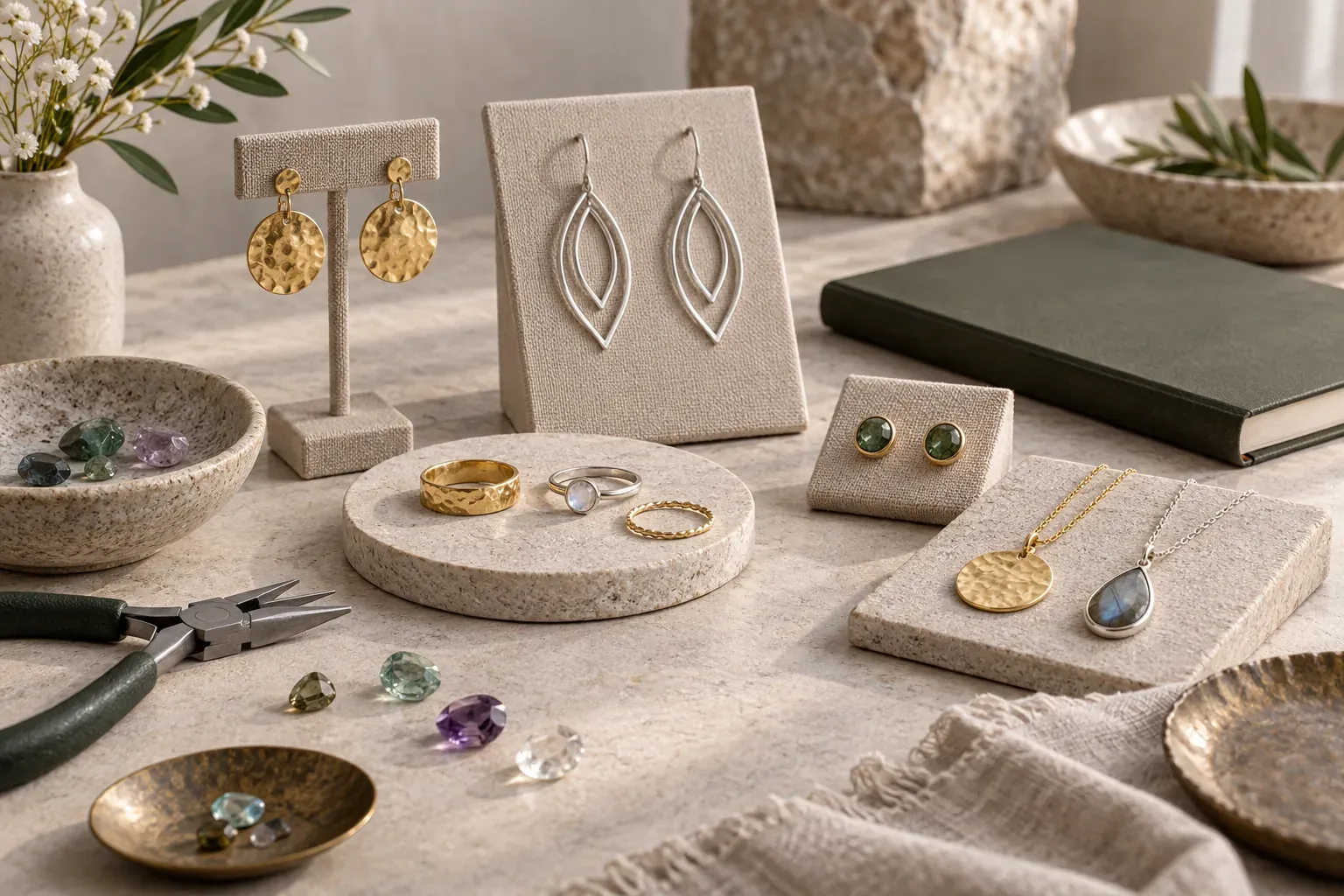
A customer buying the earrings in a photo needs a different route from someone asking for a ring in another size and metal. The first purchase has a defined item and price. The second needs a brief, a fit check and an agreed design before you can quote the finished piece.
BotMarketing lets a maker display ready-made jewellery in a catalogue and receive commission enquiries through a connected Telegram bot's support. Here is how to set up those routes, collect a useful brief and record a revised quote before starting work.
Give ready-made pieces and commissions different cards
Sell a ready-made piece as the exact item shown. A request to replace a clasp, change a stone or resize a ring needs discussion first. A portfolio photo shows what you can make; it does not establish the specification or price of the next commission.
The following cards belong to a fictional workshop. Dollar prices illustrate the workflow and are not BotMarketing offers or currency conversions from the Russian example.
| Detail | Ready-made earrings E12 | Commission example R07 |
|---|---|---|
| Images | The actual pair: front view, fastening and a photo beside a ruler | A previous ring design; the new design needs separate approval |
| Materials and dimensions | Sterling silver, no stones, 24 mm drop, leverback fastening | Proposed sterling silver band, no stone, 3 mm wide; size confirmed after fitting |
| Price | $95 per pair including a box; shipping priced separately | Final quote after the brief and design approval; no ready-made ring offered at a placeholder price |
| Availability | One pair available; maker confirms dispatch arrangements | Made to commission; production and dispatch dates need agreement |
| Customer action | Add the unchanged pair to the basket | Contact support: “I'd like a ring based on R07” |
| BotMarketing setup | Goods item, $95, stock 1, ordering enabled | Portfolio example; link and enquiry instructions in the company description, with no $0 goods item |
Describe metal, plating and stones using verified information for the piece. Gold-coloured is not the same as gold, and a material name alone does not establish that an item is hypoallergenic. If a stone is unique, show the stone the customer will actually receive. Explain whether a reference photo is a previous piece or the offered item.
Run both routes in BotMarketing
- Connect your workshop's bot and build the ready-made catalogue. Create a goods category and a separate item for each available piece or defined size-and-material combination. Add photos, description, price and the actual stock count. Put a reference such as E12 in the name. The customer selects a specific combination; the maker receives an order for that item.
- Direct commission enquiries to support. Add a link to your own portfolio and enquiry instructions in the company description. Keep R07 in that portfolio until a quote is agreed: a BotMarketing goods item requires a price. Ask the customer to send the example code and brief through bot or Mini App support. Open the incoming enquiry in the requests area to discuss feasibility and missing details.
- Handle ready-made checkout in the orders area. The customer adds E12 to the basket and checks out. The Mini App comment accepts up to 1,000 characters of free text, such as a packaging request. Check the item and collection or shipping arrangements, then reply through the order conversation. A request for a different fastening needs agreement before you substitute another piece.
- Create a precise goods item after a commission is approved. Use the project reference, approved specification and full agreed price, enable ordering, and direct the customer to that item. Once ordered, record the accepted version and a document reference in the internal note. Control the item's availability so another customer does not order it: the card is not a private checkout or an automatic reservation of workshop time.
- Record handling, payment and fulfilment separately. Use the order's built-in statuses for the actual handling stage and mark payment after checking receipt. Send the agreed dispatch or collection details in the conversation. Design approval, fitting and workshop planning remain the maker's work; support messages do not automatically become orders.
Stock decreases when an order is created, before payment. Keep offline sales reflected in the same availability information. Opening a New order with management access changes it to Processing; that status does not prove design approval or that bench work has started.
Check employee permissions and subscription access before launching. Test with one ready-made item and one commission example: follow both routes as a customer, then locate the order and enquiry in your account.
Approve the specification, including changes
A seven-point commission brief
Place these questions beside your examples. Ask for one written reply, then exchange reference images and design files through your workshop's agreed channel.
- Which piece or idea: example reference, intended style and the details they like in an inspiration image?
- Which metal, plating and stone are acceptable, and which choices still need advice?
- Which size or length, using which sizing system and measurement method?
- Is engraving required: exact spelling, location and available space?
- What is the budget, and should it include the box, engraving and shipping?
- When and where must the piece arrive; can the customer attend a fitting?
- Which details must be approved before production, and who confirms the final version?
Record the sizing system explicitly when selling across borders. Do not treat an unlabelled “size 7” as a complete measurement. Check fit for the proposed band width and shape rather than guessing from a different ring. GIA distinguishes sizing techniques for different ring forms; use your workshop's fitting method and chart rather than converting from memory.
Reply with one final specification: project reference and version, drawing, materials, dimensions, finish, exact engraving, packaging, price, payment terms, production date and handover method. Explain when work will start and how later changes are considered. Ask for explicit acceptance of that version. A signed agreement and any deposit terms, when used, are handled separately; an order status is not a substitute.
A revised size needs a revised quote
In this fictional example, R07-v1 is a sterling silver band, 3 mm wide, UK size M, without stones or engraving. The quote is $180 including a box, with dispatch on 24 October. Before production, a fitting leads the customer to request UK size N and an inscription. The maker checks feasibility and sends:
R07-v2: UK size N confirmed at fitting, 3 mm width, sterling silver, no stone; “A + M” engraved inside. Ring and box $180, engraving $15: total $195. Dispatch 27 October; shipping separate. v2 replaces v1. Please confirm these details, the price and dispatch date before production starts.
Do not begin the changed work until the customer accepts v2. If checkout has not happened, create the item at $195 using v2. If a v1 order already exists, agree how to correct it or cancel and reorder, and account for any payment already received. Adding a note about a surcharge does not automatically change the order total. Resolve the first order before creating another.
Check the finished piece before handover
Compare the piece with the accepted version: fit, metal, stone, fastening and engraving. Send a photograph and the agreed collection or dispatch details. Dispatch and arrival are different dates; a gift deadline needs shipping time as well as bench time.
Include care instructions for the specific materials and finish, plus a contact for fit or repair questions. Check your alteration, return and warranty terms for the customer's market and for ready-made versus commissioned work. A universal “handmade items cannot be returned” rule is not a sound substitute for that check.
For related workflows, see recording specifications for custom knitting and catalogues and custom souvenir orders. For jewellery, the essential reference is the accepted version of the actual piece. Start with two clear cards: one the customer can buy now, and one that invites a commission enquiry.