Photo Studio Bookings: Rooms, Time and Gear in BotMarketing
By BotMarketing.pro published updated
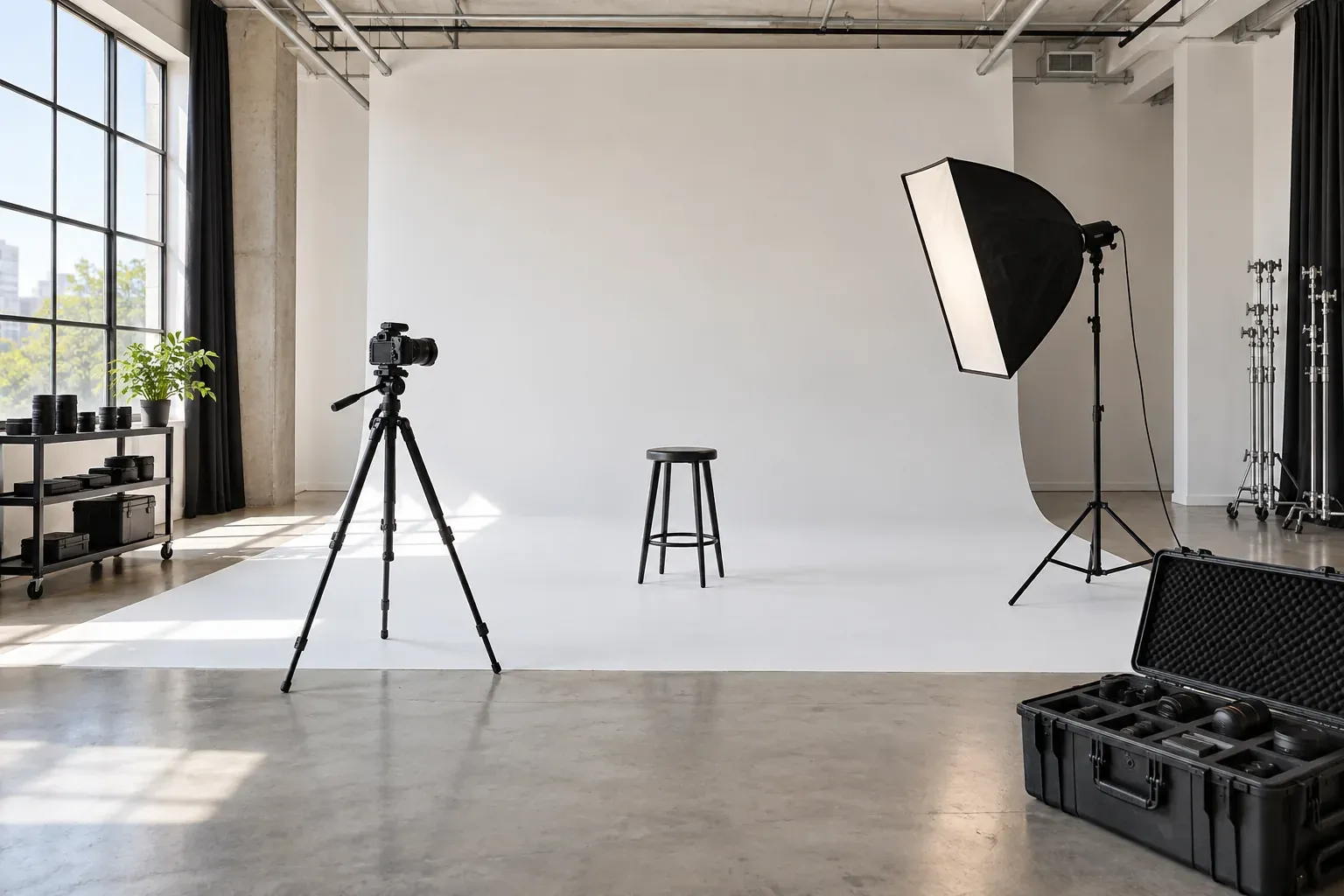
A room can look free from 10:00 to noon while its lighting kit is still in use next door. Add a set change or a large prop delivery, and the apparent opening becomes an unsuitable booking. A studio administrator needs to confirm the room, its complete occupancy period and the required resources before promising access.
This guide gives you a room card, a short production brief, an occupancy example and specific BotMarketing steps. The examples are illustrative; use your own room specifications and rental terms.
Describe the room and the equipment you can supply
Give each room its own catalogue description with current photographs, dimensions, ceiling height, crew capacity, daylight conditions, sound limitations and load-in access. A photographer needs to know whether the space fits the production, as well as what the rental includes.
Example: White Room
- Space: 60 m² / approximately 646 sq ft, 4 m ceiling, white cyc; up to six people. Daylight varies; check suitability separately for clean audio recording.
- Included: two flash heads, two stands and one softbox. Specify models and trigger compatibility.
- Subject to confirmation: a shared continuous-light kit and a makeup station. An administrator checks these; neither is dedicated to every room.
- Access: two hours for the crew, including setup and pack-down; a further 15 minutes for the studio to prepare the room.
- Terms: total package price, extras, payment requirements, changes and overtime approval. Get approval for smoke effects, pets, cyc painting and set attachment methods in advance.
These boundaries should be visible before payment. For example, FD Photo Studio includes setup and breakdown in its booked time and asks renters to discuss additional equipment in advance. Choose and state your own policy; another operator’s rates and access arrangements do not define yours.
Ask for an operational brief, without confidential campaign details
Ask renters to send a short message or booking comment using these details.
Room: White Room. Date: 18 October, studio local time. Crew access: 09:30–11:30; shoot: 09:45–11:15. Four people. Equipment: two flash heads, shared continuous light, makeup station. Bringing a 2 m-wide backdrop. On-site contact: Anna. Please confirm load-in access and any extra lighting charge.
Crew size, equipment and load-in requirements are enough for this availability check. Keep unreleased campaign names, scripts and participant identity documents out of routine Telegram conversations. Agree a restricted channel if the production actually requires them. The photographer enquiry guide covers the shoot brief itself.
Reserve the whole occupancy period
In this example, crew access lasts 120 minutes. A separate 15-minute studio reset makes the room unavailable for 135 minutes. This is an example policy, not an industry-wide minimum.
| Interval | Minutes | Activity | Administrator check |
|---|---|---|---|
| 09:30–09:45 | 15 | Load-in and lighting setup | Room cleared; agreed kit already available |
| 09:45–11:15 | 90 | Shoot | Shared light not promised to another crew |
| 11:15–11:30 | 15 | Pack-down and crew departure | Props cleared and equipment returned |
| 11:30–11:45 | 15 | Studio inspection and reset | Next crew access possible from 11:45 |
If another crew arrives at 11:45, adding 30 minutes to the first rental is impossible: the room would not be ready until 12:15. Check shared lights, makeup space, staff and unloading access alongside the room. For equipment handover and condition records, see the rental business guide.
Set up studio bookings in BotMarketing
- Organise room services. Create a service category called White Room and cards for fixed rental packages. For the example above, set the package price and a duration of 135 minutes. Explain in the name and description that crew access is 120 minutes and the remaining 15 minutes is a studio reset; the displayed booking end includes that reset.
- Give one room one shared schedule. Attach its opening hours and unavailable dates to the White Room category. All packages for that room should use this schedule. Avoid separate service schedules: those override the category schedule and split the availability checks. Equipment shared across different schedules is not allocated automatically.
- Enable booking. Enable it for the bot and the service, and check your subscription features and staff permissions for services, schedules and bookings. Test the client flow: in the Mini App the renter selects a service and an available start time, adds the operational brief as a comment and submits a request.
- Review the incoming request. Staff receive a notification. In the company account, open Bookings and the linked order to inspect the room, start, duration and client comment. The request still needs your review; it already occupies time in its schedule until it is cancelled.
- Check production resources manually. Reconcile website and telephone requests, shared lighting, makeup space, reset time and payment under your own terms. Keep one resource register and record agreements in the linked order’s internal note. BotMarketing does not replace that register or prove receipt of a deposit from a client message.
- Confirm the agreed booking. Use the booking confirmation action after your checks. If the start is unsuitable, propose another time from the booking card for the client to accept. Send the agreed crew-access boundary and equipment list through the linked order. Cancel a rejected request to release its interval.
- Prepare a visit message. Where scheduled messaging is available, select the client’s specific private chat, a one-off send time and the company time zone. Update or cancel it manually after a booking change: it does not automatically follow a rescheduled reservation.
Start with one room and one package. Test that another package for the same room does not offer overlapping time, and that staff can read the comment and linked order. For an unusual duration, agree the details through the bot’s support enquiry first; a similarly priced but shorter slot is not a substitute.
State the departure time and approve overtime separately
Before arrival
Anna, your White Room booking is on 18 October. Crew access is 09:30–11:30, studio local time, including pack-down. The booking display ends at 11:45 because it includes the studio’s following reset. We have agreed two flash heads and the continuous-light kit. Address and entrance: [insert]. Please tell us in advance if your crew or equipment needs change.
Share access codes only with people who need them. Keep private production details out of messages sent to other renters.
When a crew asks to extend
We cannot extend crew access to noon today. The next booking starts at 11:45 and we need the reset period. Please finish shooting by 11:15 and clear the room by 11:30. We can discuss a longer package for your next visit.
If an extension is possible, agree the revised access end, complete occupancy period and extra charge first. Update the resource register and the linked order’s agreed terms before your final reply. Sending a message does not extend the BotMarketing reservation duration; staff must account for the longer interval when reviewing subsequent requests.
At checkout, inspect the room and kit, record any missing or damaged items under your own procedure, then complete the booking. Confirm the next rental against the room’s actual readiness.