Local Goods Shops: Catalogue and Orders in BotMarketing
By BotMarketing.pro published updated
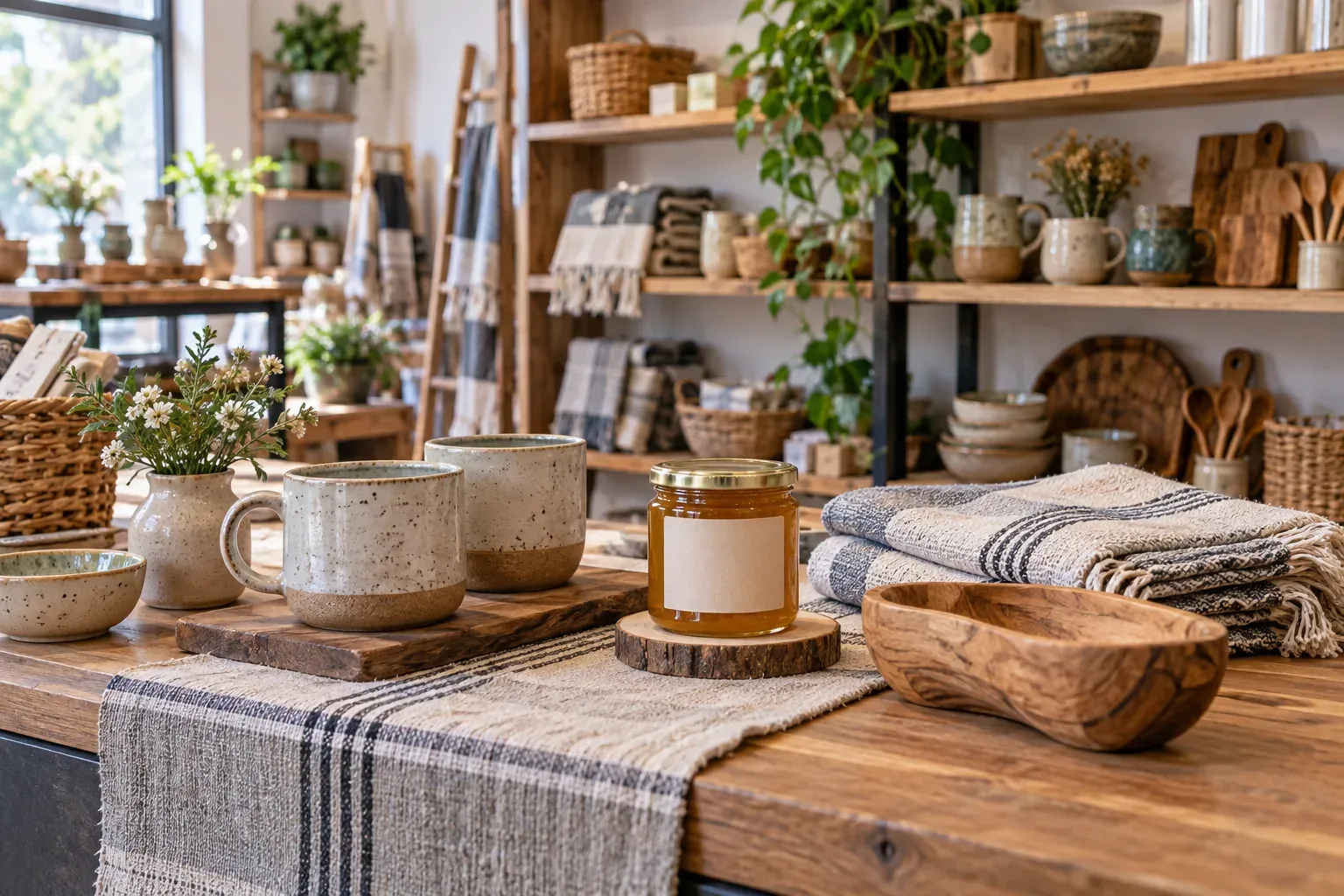
A buyer finds a local maker's mug on social media and wants to collect it with a linen towel. The mug is on the shelf; the towel is expected in the next batch. If both appear equally available, the shop receives an order it cannot hand over together on the promised day.
A Telegram catalogue should make the next step clear: buy a ready item, discuss a preorder, or ask for a single arrival notice. This guide gives a category structure for a multi-maker shop and specific BotMarketing steps for ordering and relevant follow-up.
Build categories around what the buyer needs
New shoppers should not have to learn every maker's name before finding a useful product. Start with clear categories, then identify the brand, maker and substantiated place of production on each card. Keep maker stories alongside practical product details.
An illustrative small shop could use four starting categories:
- Tableware: mugs, plates and small vases, with dimensions and care details.
- Home textiles: towels, napkins and throws, with materials, sizes and colours.
- Accessories: bags, jewellery and everyday pieces, with materials and included components.
- Ready-made gifts: assembled offers with exact contents and a price. Discuss custom gift assembly separately.
New arrivals and maker names can help discovery, but they should not be the only route through the range. If an item belongs in several collections, use one current product card so that prices and stock do not diverge.
Describe the item the customer will receive
For a mug, show capacity, dimensions, material, handmade variation, maker-provided care advice, price, availability and photographs. “320 ml mug, white glaze” is more useful than “artisan ceramics”. Identify the maker and verify origin rather than calling every item local because your shop is nearby.
320 ml mug, white glaze. Three available. Height: 9 cm; £24 each. Photos show the current batch, with glaze differences pictured separately. Maker and care advice are in the description. Shop collection after order confirmation; delivery arrangements and charges agreed separately.
This is an example, not a real product listing. A unique piece needs photographs of that piece and stock 1. If a colour or size changes the item and its availability, create a clear separate product for that saleable version.
Distinguish ready stock, preorders and uncertain arrivals
Choose a next step the shop can fulfil. An expected batch without a confirmed date should not look ready to collect:
| Offer | What to show | Buyer's next step | Staff check |
|---|---|---|---|
| In stock | Exact item, price and available quantity. | Add to basket and submit the order. | Check the shelf item and achievable handover. |
| Preorder to confirm | A future batch; timing and terms need agreement. | Message support with the item and required date. | Confirm quantity, timing and terms with the maker, then reply. |
| Awaiting a restock | Unavailable, with no confirmed date yet. | Optionally request an arrival notice. | Record interest without promising stock allocation or a date. |
In BotMarketing, the ordinary stock count controls ordering availability. Explain a preorder or uncertain arrival in the title or description; leave normal ordering disabled until the item is ready and handle the request through support. Leaving stock blank removes the quantity limit, so it is not a substitute for managing unavailable products.
If your shop takes paid preorders, separately agree the price, estimated timing, cancellation arrangements, response to delays and treatment of other items. A support request alone is not a paid or allocated order. Lizzie Onion's preorder information illustrates why a future purchase and a request for notification are different, and why mixed orders need a shipping rule. Its particular payment and returns terms are not universal rules.
The mug is ready for collection. The towel is still with the maker, and we are checking its arrival date. We can process the mug now and reply separately about the towel. Would you prefer to collect the ready item or wait for confirmation of the second item? We cannot promise a joint collection date yet.
Do not change the colour, maker or contents without agreement. After changing an order, confirm the total again and any extra charge for separate deliveries.
How to set up and handle the purchase in BotMarketing
- Create goods categories in the company account. Use clear shopping categories and add ready items. Each card needs photographs, maker details, specifications, price, sales unit and fulfilment information.
- Configure actual availability. Select goods, enter a stock count and enable ordering for ready products. A unique mug has stock 1; order buttons are unavailable at zero. Update stock after counter or market sales yourself: the bot does not automatically learn about those transactions.
- Show the customer the route to checkout. They open the bot or Mini App catalogue, select ready items, build a basket and submit an order. Ask them to add collection or delivery, the required date and packaging preferences as a comment; staff still need to check those requests.
- Review the order as staff. Open Orders and check the exact item, condition, total and fulfilment. Checkout checks and reduces the configured stock; a basket alone does not allocate the piece. After checking, accept the order into processing and use the message-to-customer action to confirm contents, final price and handover.
- Give the picker exact instructions. Customer comments appear in the order, and new comments notify staff. Put packaging instructions and the check of a specific piece in an internal note. After an agreed change, edit the contents and check the total again. Mark payment and completion when they occur.
- Handle the future batch separately. The buyer contacts the bot's support; staff read the request, verify the maker's answer and explain the terms. After receiving and checking the batch, update the card and stock, then invite an ordinary order. Carry the agreed details into it: support requests and orders are separate records.
- Test before inviting buyers. Try the last available piece, an unavailable colour and a mixed ready-plus-expected purchase. Check that the buyer understands timing and the picker can locate the correct item and comment.
BotMarketing brings the catalogue, order and conversation together. Receiving goods from makers, supplier settlements, till synchronisation, packing, delivery and return decisions still need the shop's process. For food priced by weight, use the separate weighed-price confirmation workflow; for an assembled gift, see the gift-box planning guide.
Ask for the category the buyer wants to hear about
Someone who bought a gift may not want every future launch from that maker. After handover, ask about a specific interest and the number of messages:
Would you like one message when this maker's new mugs arrive? If so, reply “mugs”. We will not send other launches. If you change your mind, reply “no more updates”.
For a small audience, keep a working log: buyer, category or maker, consent message, one notice or recurring updates, request date and any opt-out. Record people who asked for the notice; do not add the gift recipient to the list.
When the batch arrives, inspect it and update the catalogue first. In BotMarketing's company account, use manual messages to select the specific private chats of consenting buyers connected to the bot. Check recipients against the log and remove anyone who opted out. For one category, do not select every private chat in the shop.
You asked us to let you know about new mugs. We received the white-glaze batch today; photos, prices and available pieces are in Tableware. Have a look if you are still interested. This message does not allocate an item. Reply “no more updates” if you no longer want these notices.
Staff maintain the category preference manually: built-in cohorts are not a category-interest segment builder. With the Telegram subscription feature and appropriate permissions, automatic messages can be scheduled for selected chats, but they do not trigger from a stock change. A plain-text opt-out also needs staff action so that the buyer is excluded from future sends.
Add a loyalty reward with a clear condition
If the shop can fund a reward, the available loyalty section supports a programme based on the accumulated value of fulfilled orders. Check its rules and staff permissions, then explain which purchases count and what the customer receives. It does not identify category interests or replace permission for messages. A useful arrival notice without a discount is enough for the first release.
Start with a range one person can keep accurate
Choose products whose photographs, details and stock you can maintain. Assign responsibility for maker arrivals, sales outside the bot, preorder replies and message recipients. After a trial purchase, fix unclear cards and fulfilment agreements, then expand the range.