Farm Product Orders: Weight, Stock and BotMarketing
By BotMarketing.pro published updated
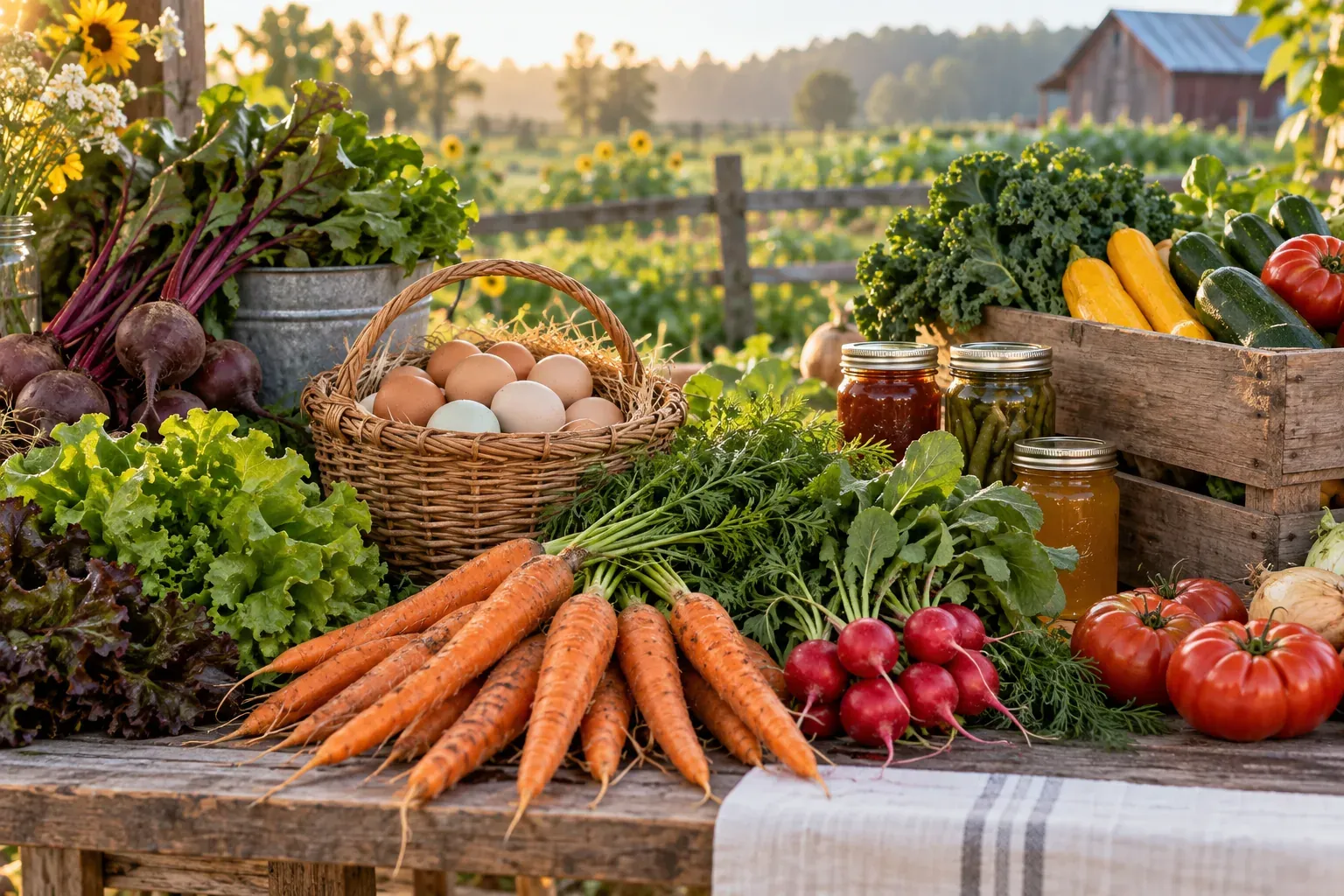
A customer asks for roughly 500 g of cheese for Saturday collection. The cut portion weighs 480 g, and the eggs on the same request have sold out. The seller needs to confirm the actual weight, revised total and any replacement before handing over the food.
This workflow is for a farm shop, small producer or seller with changing batches. It includes a variable-weight product card, a final-price message and specific steps in BotMarketing. Start with one collection round and a manageable range.
Define the unit the customer is choosing
A carton of six eggs has a known quantity and price. A piece of cheese priced per kilogram needs a target range and weighing before its final cost is known. A vegetable box also needs a clear description: a fixed contents list, or a seasonal selection with an agreed substitution rule.
Show the sales unit, price basis, supply date, available quantity and fulfilment method. Use current producer, ingredient, storage and shelf-life information for the batch you will actually supply. A photograph of last season's jar is not evidence of this batch's ingredients.
A request card for cheese that has not yet been cut could say:
Semi-hard cheese, approximately 450–550 g per piece. Price: £20/kg. A 500 g piece would cost £10; we will confirm the actual weight and final price after weighing. To request a piece, message the bot's support with your preferred weight, collection day and whether we may suggest a replacement. Current producer, ingredient and storage information is in the batch description. Saturday collection, 11:00–14:00, at our farm shop.
Add your real address and verified batch information. These amounts and times are illustrative. Forage Farm Shop's ordering help similarly distinguishes a guide price from the weight supplied. Its ordering system and terms are specific to that business; they do not describe BotMarketing features.
Confirm the weighed price before payment
Calculate the product cost as grams ÷ 1000 × price per kilogram, using the product's weight without packaging. Keep the agreed unit price visible when the portion changes:
| Stage | Weight, g | Price, £/kg | Product cost, £ |
|---|---|---|---|
| Before cutting | 500 | 20 | 10.00 |
| After weighing | 480 | 20 | 9.60 |
If the available piece is 620 g, outside the agreed 450–550 g range, offer another piece or ask permission for the larger portion. An approximate weight should not become permission to supply any size.
Your cheese portion is ready: 480 g at £20/kg = £9.60. The carton of six eggs is £3. Total for the products: £12.60, with no collection charge. Collection is Saturday, 11:00–14:00, at the agreed address. No substitutions were made. Please confirm the contents and total; we will then send payment instructions. Let us know before confirming if that collection window no longer works.
For delivery, add the fee, address, recipient contact and achievable delivery window. A products-only subtotal is not the full delivered price.
Agree each replacement before changing the order
Ask the customer to write either “no substitutions” or “contact me first” in their comment. For a limited permitted replacement, agree the product, pack size and price ceiling. Check the new batch's ingredients rather than treating a similar name as an equivalent product.
The chosen producer's eggs are unavailable. We can offer a carton of six eggs from another producer for £3.40. With the cheese, the total would be £13. Would you like that replacement? Otherwise we will supply only the cheese for £9.60.
Wait for approval before changing the agreed contents. If an allergy question is unresolved, do not decide suitability from the product name. When removing an item, separately agree how any existing payment will be adjusted. Forage's terms provide a real example of weighing during picking and dealing with unavailable items; your own confirmation and payment rules must fit your operation and market.
Run one clearly dated collection round
Keep the fulfilment date beside the current range and repeat it in the confirmation. This example separates the ordering deadline from picking and collection; choose your own times around supply and storage:
- Tuesday: verify supplier availability and update the range and quantities. Identify anything whose supply is still uncertain.
- Thursday, 18:00: close requests for Saturday. Review late requests individually rather than promising to add them to a closed round.
- Friday: check the delivered batch, weigh portions, agree replacements and confirm final totals.
- Before handover: check packs against the order, product information, payment and collection list. For delivery, verify the address, recipient and route window.
- Saturday: hand over against the order number and record completion. Discuss late collection separately, taking the product's storage requirements into account.
A collection time in a comment does not reserve a courier or establish safe storage duration. Packing, food information, transport and safe handling remain the seller's work. If you also bake to order, see the separate bakery production and ordering workflow.
How to handle the round in BotMarketing
- Set up goods in the company account. For a ready pack, select goods, the pack unit, an exact price and a stock count in packs, then enable ordering. Twelve cartons of six eggs mean a stock count of 12, not 72. Order buttons are unavailable at zero stock. Leaving stock blank removes that quantity limit, so enter it for a small batch.
- Give the buyer the appropriate route. Ready packs can go into the bot or Mini App basket and through checkout. For an unweighed product, leave ordering disabled until weighing and direct the buyer to the bot's support. Ask for the product, target weight, collection day and substitution preference. Staff see this in support requests; it is a text request, not an automatically validated weight questionnaire.
- Create an exact pack after weighing. For example, “Cheese, 480 g pack”, priced at £9.60, with stock 1 and the correct batch description. Invite the customer to order the actual pack. If they already have an egg order, staff can add the ready product to its contents after agreement. Publishing a card does not allocate the pack to one named buyer: check availability before checkout.
- Review the submitted order. Staff open Orders, check contents, availability, price and collection details, then accept it into processing. Checkout checks and reduces the configured stock; putting an item in the basket does not reserve it. The customer can add the collection date or replacement preference as an order comment, and a new comment notifies staff.
- Record and send the agreement. Use the order's message-to-customer action to send the final confirmation and wait for their answer. Put the picker's instructions and a reference to your batch record in an internal note. After an agreed replacement, edit the contents and check the new total. Mark payment and completion only when they happen. Support requests and orders are separate records, so carry the agreed details into the order.
- Test one round yourself. Try the last available pack, a variable-weight request, a refused replacement and changed collection time. Check that the buyer receives the final total and staff can locate it, the batch reference and packing instructions before inviting more orders.
Basket quantities and stock counts are whole units. Selecting the kilogram unit does not provide automatic weighing or price adjustment: a ready 480 g pack with an exact price is a clearer choice for that portion. Changing a shared catalogue price does not automatically fix an earlier order. Actual weighing, batch records, payment adjustments and picking still need the seller's attention.
Invite a new purchase after updating the next round
Update stock and box contents before saying: “Eggs and vegetable boxes are available for next Saturday. The catalogue is updated; requests close Thursday at 18:00.” Check that supply is confirmed first.
When your subscription includes the Telegram bot and the staff member has permission for automatic messages, the company account lets you choose a supported audience, message and schedule. A scheduled reminder does not trigger from a new harvest or place a repeat order. With uncertain supply, send the invitation after reviewing the current catalogue. The broader shop setup is covered in the local-goods catalogue guide.