Bakery Pre-Orders in Telegram: Batch Limits and Product Updates
By BotMarketing.pro published updated
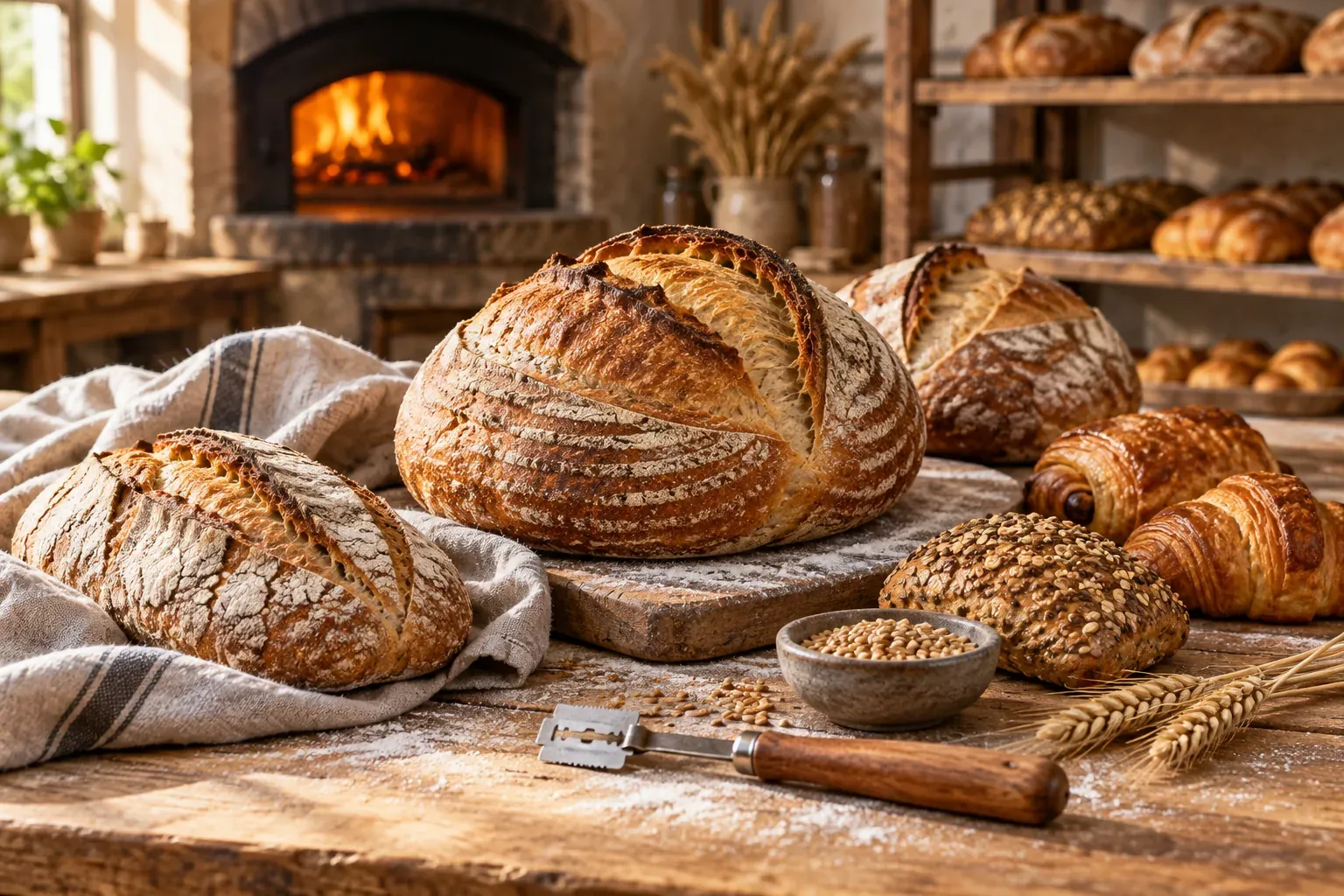
A bakery has planned tomorrow's bread, set some aside for the counter and started taking Telegram pre-orders. Several requests still need a reply. If each person checks a different list, the same loaf can be promised twice.
A limited bake needs a dated product, an order cutoff and one quantity record. Below are a batch card, a worked allocation table and two messages: a release announcement for subscribers and a reply when the allocation is full. All amounts, addresses and messages in the examples are fictional.
Offer a dated bake with clear collection terms
“Sourdough loaf” does not tell a customer which day it will be available. Name the bake date, size, price per unit, ingredients, cutoff and collection window. Decide how much of the planned production is available for pre-orders and how much stays with the shop counter.
Keep the cutoff separate from collection. For example, The Whole Bunch's own FAQ distinguishes its weekly order deadline from its pickup windows. Use that distinction when writing your terms; its checkout features and policies are not BotMarketing features. A standard batch also differs from a bespoke cake or a bulk recipe change, which needs a separate custom baking enquiry and production brief.
A fictional batch card:
Wheat sourdough — bake date 19 November 2026. One 650 g loaf, £5.00. Pre-order allocation: 18 loaves from a planned batch of 24.
Example ingredients: wheat flour, water and salt, including a starter made with wheat flour and water. Contains wheat and gluten. Ask staff about ingredients and possible contact with other allergens before the order is accepted.
Cutoff: 6 p.m. on 18 November, or earlier if the allocation is used. We aim to confirm requests within 30 minutes during ordering hours; submitting an order is not acceptance.
Collection: 19 November, 9 a.m.–noon, bakery local time, at the counter at 8 Example Street. Include quantity and preferred collection time in the order comment; staff confirm the window.
Payment and changes: payment on collection in this example. Contact the order conversation about a different recipient, quantity change or late collection; staff will confirm what is possible.
Do not copy the example ingredient information into a real product without checking the recipe, supplier ingredients and applicable labelling rules. A request for a gluten-free loaf does not make this wheat product suitable. For a UK business, Food Standards Agency guidance on GOV.UK explains allergen information before a distance purchase is completed and at delivery. Check the requirements where your bakery operates.
In BotMarketing, standard bakes can be goods with a price, description and finite stock. Give each bake date a distinct product card rather than sharing one quantity between dates. Zero stock prevents ordering; an empty stock value leaves it unrestricted. A cart comment or conversation can convey a requested collection time, but does not reserve a collection slot automatically.
Reconcile allocated quantities and keep payment separate
Assign one person to reconcile the batch across channels. In this example, six loaves and ten cinnamon buns are reserved for the counter. Log telephone and in-person promises against the same allocation before confirming them.
This snapshot is at 3 p.m. on 18 November for the following day's bake. Pending quantities belong to submitted requests being reviewed and are temporarily accounted for. Paid and ready quantities are subsets of accepted quantities, not additional reservations. Early payment here requires a separate agreement.
| Product | Planned batch | Counter allocation | Accepted | Pending review | Available for pre-order | Paid within accepted | Ready within accepted |
|---|---|---|---|---|---|---|---|
| 650 g loaf | 24 | 6 | 11 | 3 | 4 | 8 | 0 |
| 100 g cinnamon bun | 30 | 10 | 12 | 2 | 6 | 7 | 0 |
Available loaves: 24 − 6 − 11 − 3 = 4. Available buns: 30 − 10 − 12 − 2 = 6. This is an allocation check, not an automatic production report. Keep the order references and quantities behind each accepted total so that your individual records reconcile to the product row.
BotMarketing reduces finite goods stock when an order is created, before staff acceptance. If the loaf's starting online stock was 18, the 11 accepted and three pending items leave four. Do not subtract these orders again from the displayed four. A basket before submission is not a confirmed order; changing that basket does not perform this order deduction.
Cancelling an order restores its finite stock. Check whether the same bake can actually be offered again: after the cutoff, a date change or a production problem, close availability regardless of the restored number. Manual counter reconciliation remains necessary. Goods stock does not calculate oven capacity or automatically combine outside sales channels.
A new order records receipt. After checking quantity and timing, staff accept it into processing, record the agreed collection window and check actual payment separately. “Ready for collection” is a message and an operational record, rather than a promised custom software status. Mark the order fulfilled after handover, not when the bread comes out of the oven. A payment flag alone does not prove receipt of funds.
Send a release announcement and a full-allocation reply differently
Announce the bake to people who requested updates
Offer a separate choice between batch announcements, for example no more than once a week, and service messages about an order. Record permission, frequency and stop requests. A purchase or opening a bot does not mean unlimited promotional permission.
A fictional announcement for eligible subscribers:
Our 100 g cinnamon buns are on the 19 November bake, £2.50 each. We have allocated 20 for pre-order. Requests close at 6 p.m. on 18 November, or earlier when the allocation is used. Collect on 19 November, 9 a.m.–noon, bakery local time, at 8 Example Street. Check the bot catalogue for current availability and ingredients; staff confirm your quantity and collection window. To stop batch announcements, reply “stop” and our team will remove you from future invitations.
Twenty is the initial bun allocation, not a live remaining count. Check actual availability and the cutoff before sending. A closed batch should not receive an invitation to order. Configured BotMarketing Telegram reminders run on a schedule; they are not triggered by a fresh bake leaving the oven.
You can select specific chats linked to the bot, but your team must check each recipient's permission. Purchase cohorts are not subscriptions to a particular bread or pastry. Start with a checked opt-in list, verify the sending timezone and available subscription features and staff permissions. In this example, staff handle “stop”; it is not a claim of automatic unsubscribe processing. Recheck a prepared announcement against availability, and remember that pausing a schedule does not recall messages already queued.
Reply when no allocation remains
Close ordering for the unavailable product and update its card. If some requests are still under review, say the allocation is full rather than claiming every item has been paid for. A waiting list needs its own permission and does not guarantee a loaf or move an order to another date.
There are no unallocated loaves left for the 19 November bake, so we cannot confirm a new request now. With your permission, we can add you to a waiting list and contact you if a loaf becomes available before today's 6 p.m. cutoff, bakery local time. Would you like that? Your order is not accepted without a separate confirmation. For another bake date, we will first agree the date, quantity and price.
If you cannot fulfil an accepted order, contact that customer individually and agree a specific solution. Do not change ingredients or move collection to another day without a reply. Handle refunds through your payment process. Closing a batch to new customers does not cancel commitments already made.
Close ordering and prepare collection from the accepted list
At the published cutoff, the responsible person closes ordering on the card, resolves remaining requests and saves the production list. A written “6 p.m. cutoff” does not disable checkout automatically. Review a late request separately and offer another date rather than silently adding it to tomorrow's batch.
Before collection, check the packaging, order reference, quantity, agreed window and recipient. Send a ready message only when the order is actually ready. For a late customer, agree the next step under your terms and safe storage process, rather than assuming one universal holding period. The separate home baker product showcase guide explains how to present the range and unavailable items.
For the first bake, record accepted and handed-over quantities, uncollected orders, declined requests and the remaining products. If the numbers do not reconcile, fix allocation and shift handover before expanding the range. Loyalty can follow when available features and reward costs fit your business; it neither increases batch capacity nor replaces accurate confirmation.