Food Truck Location Updates: Schedules, Choices and Cancellations
By BotMarketing.pro published updated
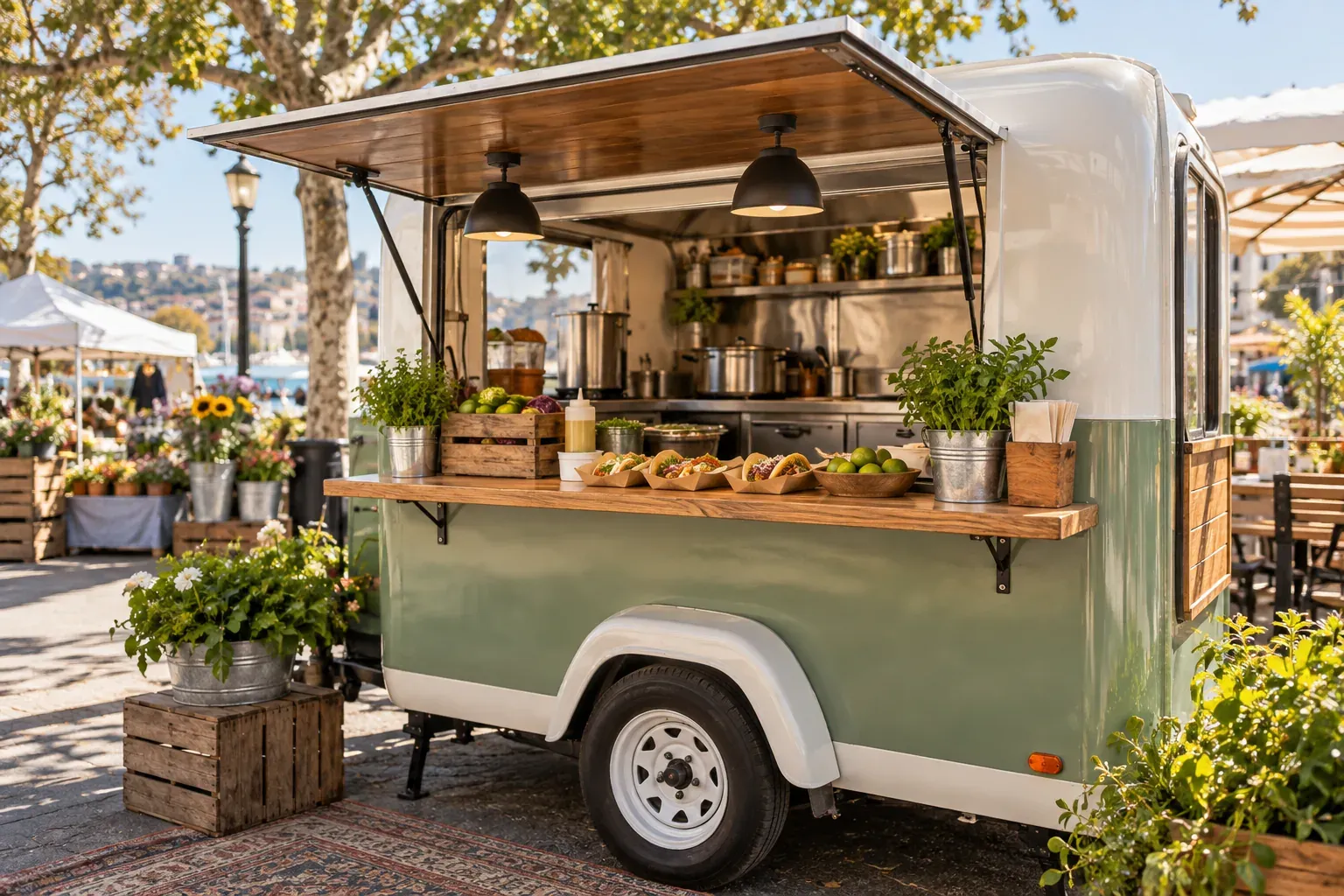
A customer follows yesterday's post to a pitch you have already left. A return-visit discount does little to help: they need today's address, service window and a reliable way to check whether the stop has changed.
For a food truck owner, useful updates begin with a current schedule. This guide provides a location announcement, an update-selection plan and a cancellation procedure that includes old posts. Every business name, address, date, price and quantity in the examples is fictional; none is a live truck schedule.
Give customers one reliable schedule link
Choose a public page or pinned message that your team maintains as the main source. Put that permanent link in the service-window QR code, social profiles and event announcements. The link should stay the same when the pitch changes, and basic menu and food information should be readable without joining an update list.
Lead with the exact date, stop status, town and street address, position within the venue, service window and last-updated time. “Wednesday at the market” could describe a usual route rather than a confirmed appearance. Identify private bookings separately: a catered event does not necessarily allow public walk-up purchases.
BotMarketing's mini-site can show a company description and catalogue. Keep current text or a link to your chosen schedule in the description. This needs an editor: it does not establish live vehicle tracking, an automatic “open now” route schedule or synchronised corrections to every old social post.
Here is a fictional announcement after the team and venue have confirmed the stop:
6 November 2026: stop confirmed. Lunch on Wheels, Example Town, 14 Market Lane, Example Yard, entrance through the side gate. Planned service 11:30 am–2 pm, venue local time; we may close earlier if the menu sells out. Updated 6 November at 11:20 am. Check the permanent profile link for the current schedule, menu and changes before travelling. A preorder is accepted only after our confirmation.
Add the verified source link and map pin to a real announcement. A landmark helps customers find the window, but does not replace a street address. Change the planned opening to the actual status when service starts, and replace a revised time rather than leaving conflicting versions.
Smoke & Sprinkles' location page distinguishes a typical weekly pattern from today's location and asks visitors to check before travelling. BBQ Art Co.'s schedule page also distinguishes usual stop types from confirmed dates and explains how changes are announced. These are examples of presentation, not evidence that BotMarketing includes their alert services.
Make each update choice voluntary and specific
An update subscription means choosing messages; it is not a paid meal plan. Start with one offer you can maintain, such as the confirmed weekly route plus corrections. A purchase, a bot start or a page visit does not by itself tell you that someone wants every later promotion.
If your audience is split between neighbourhoods and events, offer separate channels or maintain preferences manually. Do not advertise a neighbourhood selector until the selection and recipient process actually exist.
| Customer chooses | Send | Organise it through | Exclude |
|---|---|---|---|
| Weekly schedule | Confirmed dates, addresses and corrections | One voluntary Telegram channel with its frequency explained | Unrequested personal offers and every tentative plan |
| One area or event | The relevant stop, move, cancellation or closure | A separate channel or manually maintained opted-in recipient list | Inferring location interest from a past purchase |
| Menu releases and offers | A checked offer with date, pitch and conditions | A separate choice with a clear way to stop messages | Requiring marketing signup to read the menu |
A simple invitation is: “Join our channel for the confirmed weekly route and changes to those stops. You can leave the channel whenever you want. The menu is available through the public link without joining.” If you send private updates, explain how to request removal, who processes it and how the person is excluded before the next send.
BotMarketing supports manual messages to selected eligible chats, a chat type or a predefined cohort, and scheduled reminders. You need a connected bot, the appropriate access and eligible recipients. Customer cohorts use orders and other supported criteria; “interested in our north-side stop” is not a custom location segment. For a manual preference list, reconcile the selected chats with requests and opt-outs before every send.
Messages enter a delivery queue; sending does not guarantee that someone reads a correction before travelling. Weather changes do not automatically trigger an alert. Update the source and send an urgent correction manually through your chosen channel rather than waiting for a daily reminder.
Correct cancellations and closures wherever you can
Withdraw the active announcement when a stop is cancelled
Give one person responsibility for confirming the venue or team decision and editing the schedule during service. Use this sequence: verify the change, replace the source status, correct accessible old announcements, notify the affected audience, then open the public source on a phone.
This is an alternative fictional cancellation of the same planned stop:
Cancelled: 6 November 2026 at Example Yard, 14 Market Lane, Example Town. There will be no 11:30 am–2 pm service. The venue has closed access because of conditions on site; no alternative pitch is confirmed today. Updated at 11:25 am, venue local time. Please do not travel using the earlier announcement. We will add the next stop when confirmed. If we have already accepted your preorder, contact us through that order so we can agree the next action separately.
Do not announce a move to a partner brewery until access and the team's ability to operate there are confirmed. Contact customers with accepted orders separately and resolve the actual order; a public cancellation does not automatically settle payment or fulfilment.
In your old post, replace the status with “cancelled” or “service ended,” remove an obsolete pin, close the active offer and withdraw the instruction to come now. Retain accepted order correspondence. Ask an event organiser to correct their post too. If a third-party announcement cannot be edited, put a prominent correction in your own source and update channel. Deleting a story cannot recall screenshots or forwarded messages.
Stop obsolete scheduled announcements before future sends, and check what has already been sent or queued. Pausing a scenario is not a promise to recall every previously queued task.
Say whether an item or the whole service has sold out
“One bowl sold out,” “preorders closed” and “the truck has finished service” are different messages. For a partial sellout, update the affected menu item and say what remains available. For a full closure, change the pitch status and end its active offers.
A finite goods stock in BotMarketing can limit the item's ordering route; zero stock removes ordering actions. It does not independently track window sales that staff have not recorded, or close the whole truck. Reconcile availability with actual sales and accepted orders.
For accepted preorders and collection timing, use the café preorder guide. For one limited menu batch, use the bakery allocation and release guide. Neither replaces the current location status.
Publish a promotion only after checking the pitch and stock
An offer needs the date, pitch, service window, eligible item, price, available quantity, redemption route and exclusions. Check costs and service capacity before publishing. If the event requires a ticket, say so: joining updates does not give someone free admission.
A fictional window offer could read: “6 November 2026, 11:30 am–12:30 pm venue local time, at 14 Market Lane only: one bowl for $10 instead of the regular $12, first 15 allocated portions, one per customer while that allocation lasts. No other discounts apply; preorders excluded. Current ingredients and food information are available through the menu.” These prices and rules are teaching examples, not a claim about profit or customer return.
BotMarketing coupon programmes support a percentage discount, validity periods and issuance limits; staff confirm code redemption. Pitch, service hours and the offer's shared stock still need to be checked against the real rules. The example above is not an automatically configured coupon. Decide which conditions the product enforces and which staff must check before offering it.
Before the first release, follow the customer route on a phone: scan the QR without starting the bot, find the date and address, read the menu, check the cancellation notice and leave the chosen update channel. Repeat after a location change. A maintained permanent link and relevant updates give customers a practical way to find the truck again.