Café Pre-Orders: Confirm Pickup Times and Hand Over Orders
By BotMarketing.pro published updated
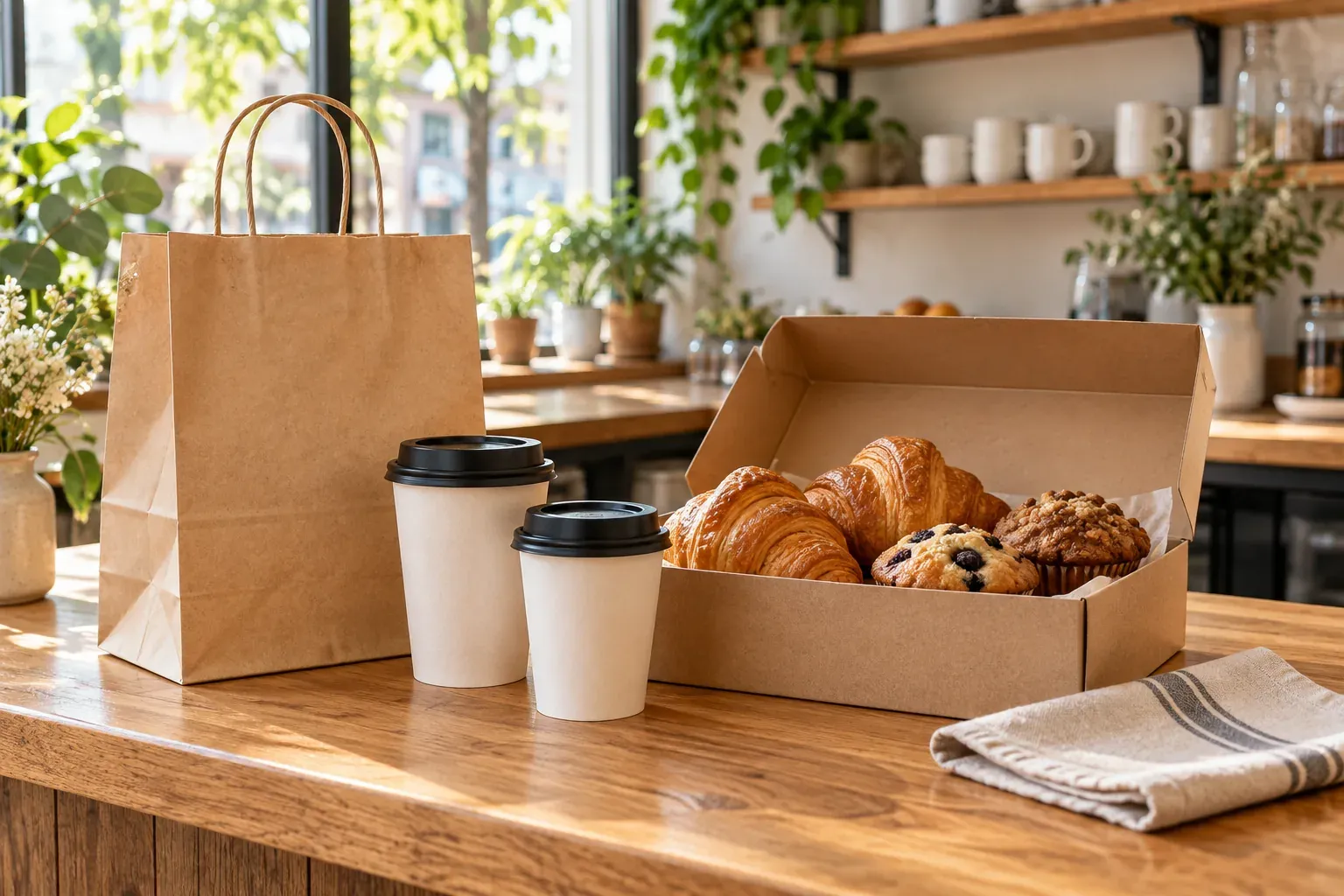
A guest asks for two coffees and pastries at 12:15 while the café team is serving the counter queue. The order has arrived, but nobody has checked whether it can be prepared for that time. If submission looks like confirmation, the guest may arrive before the order is ready, even when the menu and bot work correctly.
A café pre-order needs an agreement about the items, collection time, pickup location and staff responsibility. Below are an intake template, four operational stages and messages for an unavailable time and a ready order. All examples are hypothetical: replace the items, timings, prices and address with your café’s actual offer and capacity.
Offer a pickup menu the shift can deliver
Begin with items whose scope and preparation requirements the team understands. Describe the portion or drink size, price, contents and availability. Where variants affect the price, present clear separate options or agree the change before accepting. A comment asking for different milk does not automatically update an item or its price.
State the collection location, the hours when staff review requests and the confirmation rule: “The time in your comment is a request. Please wait for the café to confirm your collection time.” For more than one location, the guest needs to know which café is handling the order. Do not offer a multi-location choice unless the team has a reliable way to route the request.
BotMarketing provides a catalog and cart for goods. With a configured stock quantity, an out-of-stock item cannot be ordered; an empty stock value means there is no quantity limit. Item availability does not measure kitchen capacity. Ten available pastries do not prove the team can hand over ten separate orders at the same moment, so staff still review the requested time.
Keep quantities current when the same items also sell at the counter. Do not assume the catalog is synchronized with a POS or ingredient system without checking the specific integration you use. Use the kitchen’s verified product information and clarify unusual changes before accepting an order.
Collect the details needed for one clear confirmation
This is an intake template, rather than a claim that the app has separate fields for every detail. The guest chooses items and quantities in the cart; a comment and conversation about the order can provide the collection context:
- Items and quantities: for example, two standard 250 ml cappuccinos and two croissants from the current menu.
- Requested date and time: 8 October, 12:15, café local time.
- Collection point: [full address], pickup at the counter.
- Changes to standard items: only variations the café has agreed to make.
- Collection name and reply channel: the current Telegram conversation; another contact only when the process needs it.
- Payment: the café confirms the final amount, currency and payment method.
Sample comment: “Pickup on 8 October at 12:15, [location]. Collection name: Anna. Standard items; if that time is unavailable, please suggest the next feasible time.” An order number helps staff find the request; it does not mean the order has been accepted or prepared.
BotMarketing’s cart checkout supports multiple goods and a comment. A submitted order starts as New. Staff can accept it, clarify details and send an order message. A pickup calendar that automatically allocates kitchen capacity is not assumed here: a staff member reviews the time requested in the comment.
Agree what each stage means
Use four stages to explain the café’s process to the shift. These are operational meanings, not four new BotMarketing status options:
| Stage | What is established | Staff action | Guest expectation |
|---|---|---|---|
| Request | Items and a preferred time have arrived. | Review menu, stock, capacity and missing details. | Wait for a reply; the time is not confirmed. |
| Accepted | Items, amount and time are agreed. | Accept the order and hand preparation to the responsible person. | A specific collection agreement exists. |
| Ready | The contents are checked and the order can actually be handed over. | Record readiness for the shift and message the guest. | Collect at the stated location. |
| Collected | The guest has the order and payment has been checked. | Complete the order after handover and payment checks. | The pre-order is closed. |
Accepting a new order in BotMarketing moves it to Processing. For pickup readiness, staff can send an order message and record a note for the shift; the current status set has no dedicated Ready for pickup option. Use Fulfilled after actual collection and payment checks, rather than while a bag is still waiting on the counter.
When the requested time is unavailable
Do not accept 12:15 hoping the kitchen will find a way. Offer a time the shift can meet: “We cannot prepare this order for 12:15. We can offer collection at 12:30 instead. Would that work? Your time is not confirmed until we agree.” These times illustrate the conversation, not a standard preparation duration.
After agreement, send the full confirmation: “Order [number] accepted: [items], collection on 8 October at 12:30, café local time, [full address]. Total [amount and currency], payment by [agreed method]. Reply here if you need a change.” Fill every placeholder before sending. If the guest declines a time or substitution, agree the cancellation rather than silently changing the request.
When the order can be collected
Send a ready message after checking the contents, not immediately after submission: “Order [number] is ready. Please collect at the counter at [full address] and give your order number or collection name. Reply here if you are delayed.” For items prepared at handover, agree in advance how the guest will tell the café they have arrived.
If preparation is delayed, contact the guest before the agreed time and propose an updated arrangement. Keep one current agreement instead of contradictory messages. Record changes or cancellations against the working order; refunds and POS actions follow the café’s local requirements and actual payment process.
Hand the order between two people using its number
Consider a hypothetical shift with an order coordinator and a barista. The coordinator reviews requests, agrees collection times and accepts orders. The barista receives the order number, current items and collection time, then tells the coordinator when preparation is complete. The coordinator checks the contents, messages the guest and closes the order after collection. One person can cover both roles, but the sequence still matters.
A working note could read: “Order [number], collection 12:30, two 250 ml cappuccinos and two croissants; items agreed; preparation: [staff name], collection: [staff name].” This is a staff handoff, not a claim about a kitchen display or automatic task assignment. Give the next person the current order rather than a screenshot of its first message.
BotMarketing staff tools support order cards, status changes, messages, internal notes and item adjustments. Check the available features and employee permissions. If the café already uses a POS, kitchen display or specialist ordering platform, establish where the preparation queue lives and how changes reach it. A direct Telegram customer channel does not replace that operational setup or a delivery platform’s dispatch process.
Make the next order easy after a reliable collection
Start with a link to the current menu: “If you would like to order ahead again, the menu is here. We will confirm the collection time in our reply.” This does not subscribe a guest to every promotion or imply an automatic repeat-last-order feature.
If a guest wants offers, choose a useful occasion, such as a weekend pastry selection available to pre-order. State the items, current price, request deadline and need for a confirmed collection time. Stop those messages when the person declines; an order does not grant blanket permission for recurring promotions.
BotMarketing’s automated messages run on a configured schedule for a selected audience. They are not automatic readiness alerts for every order. Customer segments use orders and activity, not proof that someone prefers a particular drink. Cohort delivery requires the guest’s private chat with the bot, access to the feature and staff permissions. Check whether the offer fits the recipients.
Add loyalty only after collection works and the reward terms are clear. For that separate decision, see coffee-shop rewards and repeat visits; for a delivery business, see direct food orders and customer relationships. Pickup pre-orders have a specific purpose: accept a feasible request and hand over the agreed items.
Before sharing the link, walk through a normal order, an unavailable time, a missing item and a staff handover. Each should leave the guest with a clear answer and the team with the current items and agreement. Start with a manageable menu and service periods the shift can support, then expand when the process works.