Direct Food Delivery Orders: Costs, Addresses and Confirmation
By BotMarketing.pro published updated
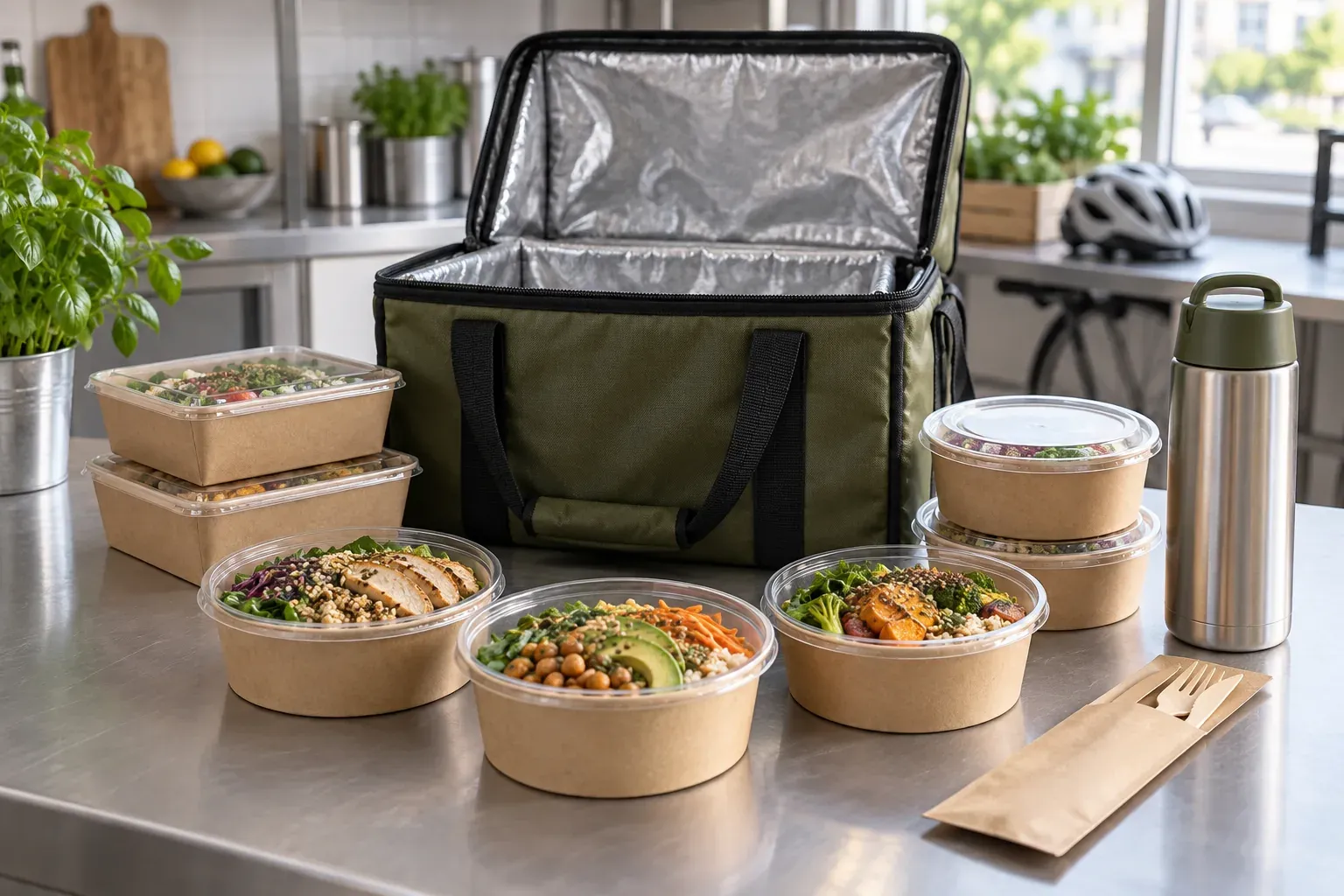
A regular customer wants to order dinner directly. They find the menu, send their address in another conversation and discover the delivery charge after paying. Nobody has confirmed the arrival time. The restaurant may avoid a marketplace fee while creating more work and a less reliable order.
A useful direct ordering channel needs an order cost, a delivery boundary and a confirmation process. This guide gives you a worksheet, an address-and-time record and a delay message you can adapt. Keep marketplaces where they provide useful discovery or courier coverage; build direct ordering where your team can fulfil the promise.
Separate the sales channel from the delivery method
A customer can order through your own website or Telegram bot while an outside courier delivers the food. A marketplace order may be delivered by your team if your agreement allows it. Direct ordering does not automatically supply customers, payment processing, support or drivers.
Start with one neighbourhood and dishes your kitchen can prepare and pack reliably. Keep a marketplace listing for its audience and available delivery network. Offer your direct menu to people who choose to visit your website, social accounts or premises. Check the complete cost before advertising a cheaper order.
Compare the same basket, destination and service period. Record the customer's full bill separately: food after discounts, delivery and other charges. A customer service fee retained by the marketplace is not restaurant revenue. Use your merchant agreement and settlement statement to identify what each deduction covers. Uber's explanation of its Marketplace Fee, for example, includes payment-related costs and support. Adding allowances for services already included would distort the comparison.
Work out what one order leaves
Copy this worksheet into your spreadsheet. The dollar amounts are fictional teaching assumptions, not service prices or restaurant results. Replace the direct-order figures with your costs and fill the marketplace column from your agreement. Use the same tax treatment in both columns.
| Calculation line | Direct: example → your amount | Marketplace: your amount |
|---|---|---|
| Food after discounts, before deductions | $30.00 → ___ | $___ |
| Delivery charge payable to the restaurant | $3.00 → ___ | $___, or zero |
| Total revenue before costs | $33.00 → ___ | Add the two lines above |
| Ingredients for this basket | $12.00 → ___ | $___ |
| Packaging | $1.50 → ___ | $___ |
| Courier, transport and allocated idle time | $6.00 → ___ | $___; zero if included below |
| Marketplace deductions | $0.00 in this example → ___ | $___ from the statement; check included services |
| Payment processing not already included | $1.00 → ___ | $___; zero if counted above |
| Order handling labour | $1.50 → ___ | $___ |
| Acquisition, without counting discounts twice | $2.00 → ___ | $___, including paid placement |
| Allocated software costs | $0.50 → ___ | $___ |
| Allowance for errors and refunds | $0.50 → ___ | $___ |
| Remainder after the listed costs | $33.00 − $25.00 = $8.00 → ___ | Revenue minus costs; do not deduct bundled services twice |
The $8.00 remainder is not net profit. Rent, general kitchen labour, taxes and excluded costs need separate accounting. The $0.50 error allowance is an assumption: replace it with actual losses when reviewing results rather than subtracting both. If you start from a net marketplace payout, its deductions have already been taken off.
If the courier costs $10.00 instead of $6.00, the remainder falls to $4.00. A distant address can be uneconomic even without a marketplace fee. Allocate driver shifts and software subscriptions over a realistic order count, including quiet hours. Compare discounted and full-price baskets explicitly rather than treating them as identical.
Collect a request your team can confirm
Before checkout, show current dishes, portions, ingredients, prices, ordering hours, delivery area, charges or their calculation method, and any minimum order. Provide a staff contact for exceptions. An allergy note needs a kitchen response before acceptance; it cannot establish that a dish is safe. Check the rules in your jurisdiction. For a UK operation, Food Standards Agency guidance on GOV.UK requires allergen information before the purchase is completed and at delivery.
In BotMarketing, dishes can be goods with a price, description and stock quantity. Zero stock prevents ordering; unrestricted stock does not mean unlimited kitchen capacity. A cart collects goods and Mini App checkout accepts a text comment. Customers can put an address and requested time there or clarify them in the conversation. These are not validated delivery fields or a reserved courier slot.
Collect the request using the first three lines of this template, then let an operator complete the record after checking it. This order and address are fictional. The delivery charge and total are agreed separately; a checkout comment does not calculate them.
Basket: two vegetable curry portions at $15.00 each; food subtotal $30.00.
Destination: 8 Example Street, building B, third floor, apartment 12. Recipient contact is available in the bot conversation; building access checked.
Requested window: 18 November 2026, 7:00–7:30 p.m., restaurant local time. No substitutions without approval.
Operator confirmation: address is in range; kitchen and courier are available. Delivery $3.00, total $33.00; arrival window 7:00–7:30 p.m. confirmed.
Payment: agreed method recorded; a responsible team member checks receipt. Order reference and confirmation sent to the customer.
A requested time becomes a commitment after someone checks the address, availability, kitchen workload, driver and total. A new order does not prove delivery acceptance or successful payment. Delivery pricing, routes, dispatch and refunds require your process or another service. For collection, use the separate café pre-order and handover workflow.
Give a specific choice when the window changes
Assign someone to review new orders and communicate changes. Before acceptance, offer a feasible window or decline an address outside your area. For a confirmed order, tell the customer as soon as a delay becomes known and agree the next step. Give the courier the order reference and necessary delivery information, rather than access to the entire customer database.
A delay message for the fictional order above:
We cannot meet the confirmed 7:00–7:30 p.m. window for order 118 on 18 November. We can deliver today between 7:45 and 8:00 p.m., restaurant local time, for the same $33.00 total. Would that work? If not, we can cancel. If payment has already arrived, a team member will agree the refund process with you and explain the next steps. We will not treat the new time as accepted until you reply.
BotMarketing has order states for new, processing, delivery, fulfilled and cancelled orders. Staff record the reason, revised window and customer reply in comments or an operational log. Do not mark an order fulfilled simply because a courier collected it: confirm delivery to the recipient first. Check payment against actual receipt separately.
Build repeat ordering through voluntary contact
Link to your menu from your website, social accounts and premises. The customer chooses to open the bot and order directly. Check current marketplace terms before placing direct-order invitations in marketplace packaging. Contact details supplied for someone else's delivery are not permission to add that person to promotional messages.
A customer record can keep direct order history and delivery agreements. Reconfirm the recipient, destination and time on each new order: a previous address may no longer be suitable. Record and check promotional permission separately from service conversations. Opening a bot alone does not settle that question.
BotMarketing supports configured Telegram reminders and loyalty programmes when subscription features and staff permissions allow them. A segment with no orders for 90 days is not a marketing permission filter. Send offers to eligible people who agreed to receive them and handle stop requests in your process. Make delivery reliable before adding reward costs. See the local food business Mini App overview for the ordering interface.
Keep the first launch within one delivery area and clear service hours. Log the channel, bill and costs, requested and confirmed window, actual handover time, cancellations and reasons for each order. If arrival windows fail or courier costs consume the remainder, adjust coverage, workload or delivery pricing first. Expand when your team can fulfil orders on the terms you publish.