Telegram Mini App for a Café: Collection Orders and Costs
By BotMarketing.pro published updated
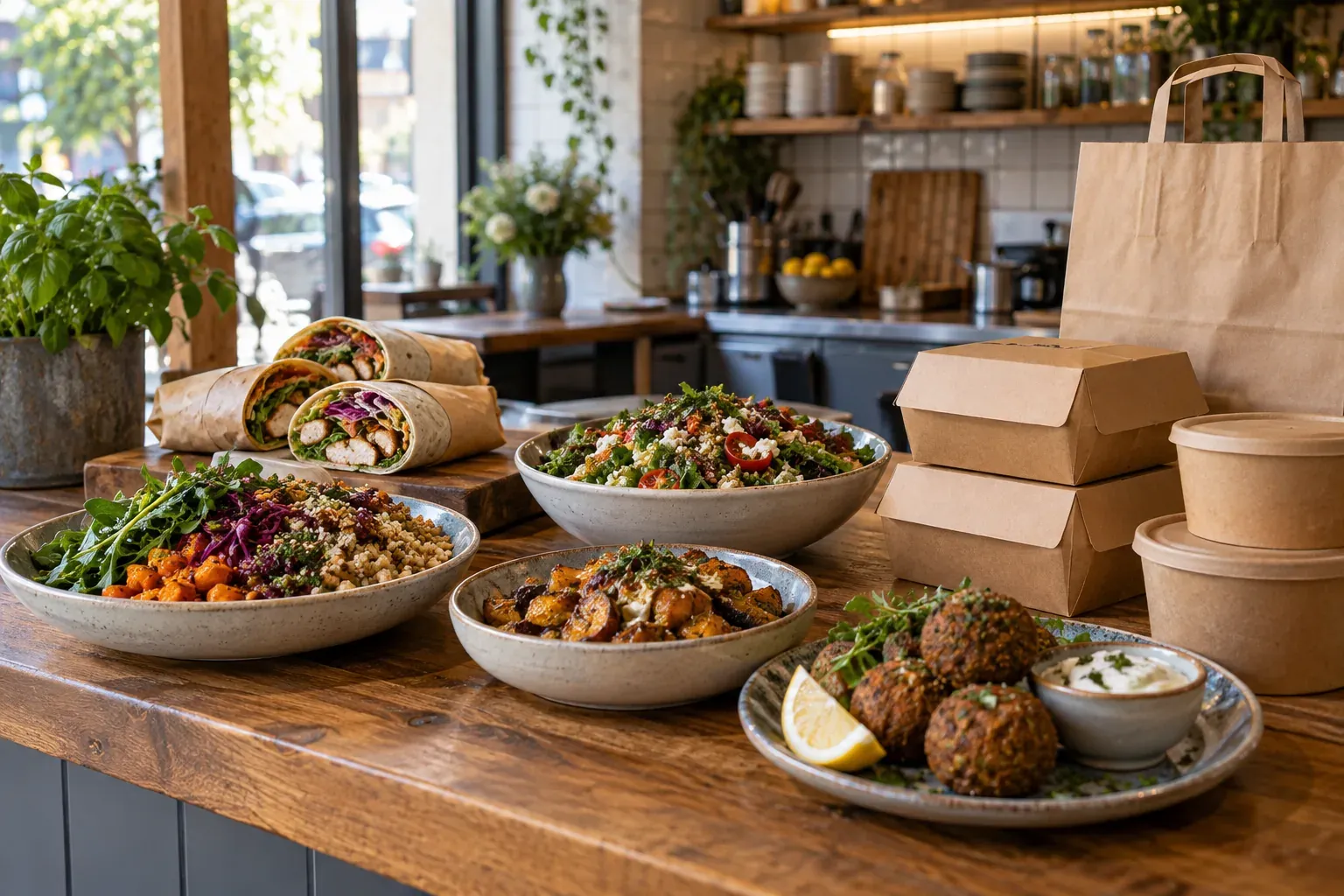
A neighbourhood kitchen wants lunch orders through Telegram. Some guests buy a fixed meal, others change ingredients, and others need delivery at an exact time. Those are different operational requirements, even when every customer sees a cart.
A Telegram Mini App can suit a limited menu and direct customer communication. Its usefulness depends on your audience, fulfilment model and the manual checks your team can handle. This guide gives you a requirements matrix, a BotMarketing setup route and a cost worksheet for comparing it with website ordering or a separate app.
Match the order requirements to the interface
A Mini App is a web interface opened inside Telegram. Guests do not install a separate app for your café, but they need access to Telegram and a reason to use it. Telegram's documentation describes launches through bot buttons, menus and links; those entry points do not themselves provide restaurant integrations.
| Business requirement | How to handle it in BotMarketing | When another system is needed |
|---|---|---|
| Guests use Telegram | The company bot opens a Mini App with catalogue, cart and orders. | Keep website, telephone or another accessible route for guests outside Telegram. |
| Small menu with fixed options | Product cards hold prices, descriptions and availability; sell defined alternatives as separate items. | Complex ingredient builders, dependent surcharges and incompatible options require a specialist system check. |
| Collection confirmed by staff | The guest requests a time in the comment; staff check capacity and confirm collection. | A comment does not allocate automatic minute-by-minute kitchen capacity. |
| Stock of prepared portions | Item stock limits available quantities and is reduced when the order is created. | Recipe-level ingredient deduction and shared kitchen capacity require separate control. |
| Delivery by agreement | Clarify address and terms in the order conversation; staff check route and charges. | Automatic zones, courier prices, routing and driver tracking require another system. |
| Connected till and kitchen tickets | Staff pass an accepted order into the café's existing process and reconcile payment. | Where automatic POS, printer or kitchen display integration is essential, verify that connection before choosing. |
Resolve any essential requirement in the last column first. A native mobile app would also need connections to payment, preparation and fulfilment; installing it does not provide them automatically. If your team can confirm a limited menu manually, you can test the Mini App route without commissioning custom software.
Set up one collection workflow in BotMarketing
Prepare the offer and the staff process
Start with one fulfilment model and a menu the shift can deliver. In the company portal, create goods categories and product cards with price units, photographs, descriptions, ingredients and checked allergen information. Guests need the relevant food information before deciding to buy. For England, Northern Ireland and Wales, official delivery guidance explains online menu and allergen responsibilities. Check the requirements for your own market; the interface does not verify ingredients or safe preparation.
- Connect the company bot. Check the Mini App launch button and its menu setting in the company's system settings. Test with a customer account so you see the guest interface rather than staff screens.
- Set menu availability. Active controls visibility; order availability controls order actions. Enter stock for a limited batch of prepared portions. Blank stock means unlimited, and a dish's stock is not a separate allocation for each future date.
- Explain collection. On the public company page and product cards, show location, hours, order cutoff and confirmation rule. For example: “Collection after staff confirm acceptance and a ready time.” Staff control the cutoff; writing it in a description does not switch off order buttons.
- Prepare the employee. Check order access, the active subscription and how the kitchen will receive the instruction. Decide who checks availability, capacity and payment and tells the guest the outcome.
- Share the entry point. Put the tested bot link on the public page and in the channels your guests use. A printed QR code should open that same tested route, with a clear explanation that guests can select food and submit an order for review.
Move from menu to an accepted order
In a fictional example, a guest selects three meals at $12 each, total $36, and writes “Collection today at 12:30 pm.” The route is: open the bot → launch Mini App → choose goods → review cart → submit with a comment. All amounts and timings here are teaching examples.
The Mini App checkout comment is text of up to 1,000 characters. You can request a preferred time and contact for clarification there; it does not reserve kitchen capacity or provide a compulsory form with separate delivery fields. The employee opens the order, checks portions and workload, then responds through the order's messaging with the connected bot:
“Order L-206: three meals, total $36. We have checked the kitchen and can offer collection today at 12:40–12:50 pm at the location shown in our menu. Please confirm that window; payment can be made at collection. The requested 12:30 pm is not yet confirmed.”
After agreement, the employee records the accepted time and next action in the staff note, passes the instruction to the kitchen and sends a message when the food is actually ready. If a dish is unavailable, offer a checked alternative or decline promptly. An order reference alone does not establish acceptance. Opening a New order with management access in the company portal changes it to Processing, which does not prove cooking has begun.
There is no separate built-in “ready for collection” order status: communicate readiness in a message. Record payment after checking receipt or taking it at the counter, and mark Fulfilled after handover. A payment link on an item does not establish automatic payment of the whole cart, receipt issuance or settlement. If you use an external payment method, verify how it identifies the particular order.
Compare the complete costs over the same period
Compare the same menu, fulfilment model, operating period and essential integrations. A subscription price and a one-time development quote cover different things. Fill this worksheet for a Mini App, website and native app using current terms and actual staff effort; leave an unknown amount as a question.
| Cost line | What to include for each option | Evidence to obtain |
|---|---|---|
| Setup | Catalogue configuration, content, design, development where needed and testing. | Work scope, supplier quote and your own hours. |
| Ongoing operation | Subscription or hosting, support, updates and integration maintenance. | Current plan and contract, billing period. |
| Payment and fulfilment | Processing fees, till, packaging and delivery where included in the process compared. | Provider contracts and your actual operating arrangements. |
| Manual handling | Time checks, entry into till or kitchen, approvals and cancellation handling. | Employee minutes in test orders multiplied by the full cost of their time. |
| Getting guests into the channel | Links, QR materials, explaining the route and any separately agreed promotion. | Materials and launch budget. |
| Changing systems | Exporting available data, moving the menu, configuration and training. | Verified transfer terms and data formats. |
Use: cost for the period = setup + recurring charges for the period + order handling + other channel costs. Do not count support twice when it is already included. If one quote includes delivery and another only the interface, align the scope before deciding which costs less. The worksheet does not predict payback or order growth.
For a concrete integration requirement, Square's QR ordering guide describes sending orders to POS and kitchen printers or displays. That is a specialist connection to check, not an integration you should assume BotMarketing provides.
Test exceptions before rolling the route out
With an employee, test a normal purchase, unavailable portion, time outside opening hours, allergen enquiry, repeat checkout tap and cancellation after payment. Check that the guest understands the next step, the kitchen receives one current instruction and staff can stop order actions when the offer is unavailable. Food information, storage, packaging and settlement remain the food business's responsibilities.
If guests do not use Telegram, keep an accessible website or another order route. If manual transfer disrupts the kitchen, resolve POS or order-system integration first. Once the purchase route works, you can consider a configured loyalty programme or voluntary menu updates, with separate conditions and cost checks.
The guide to Telegram, Instagram or a website explains channel roles that can also help assess your café's audience. For delivery operations and costs, see direct food delivery orders. Decide on the Mini App after testing your own purchase all the way from food selection to actual handover.