How to make sales through your bot more effective
By BotMarketing.pro published updated
Your bot is connected, the catalog is filled in, and the link is in your profile. Yet orders are scarce, and you wonder how to make sales through the bot more effective. Start with the buyer's journey: what they see before opening the bot, how they choose a product, what happens after they place an order, and why they would return.
In BotMarketing.pro, you can build this journey around the catalog, Mini App, orders, staff conversations, and loyalty tools. Having a bot does not create demand by itself: the offer needs to fit the customer, and the next step needs to be clear. Here is what to check and which job to give each tool.
Find the stage where you lose the buyer
"The bot does not sell well" is too broad a diagnosis. If people hardly ever open it, improvements to product cards may go unnoticed. If orders already arrive but wait hours for a reply, more advertising will bring more people into the same queue.
- Few enquiries. Check where you share the link and whether the offer explains what people will get when they open it.
- People ask questions but do not choose. See whether they can find the price, what is included, photographs, and collection or delivery terms without a separate conversation.
- Orders do not reach fulfilment. Investigate actual reasons: waiting for confirmation, unavailable products, an unsuitable collection time, or unclear payment terms.
- Customers buy only once. Find out whether they have a repeat need and an easy way to order again.
Start with recent orders and conversations. Note recurring questions and reasons for cancellations; when the reason is unknown, do not replace it with a guess. This gives you a specific task, such as adding collection information or assigning someone to handle new orders.
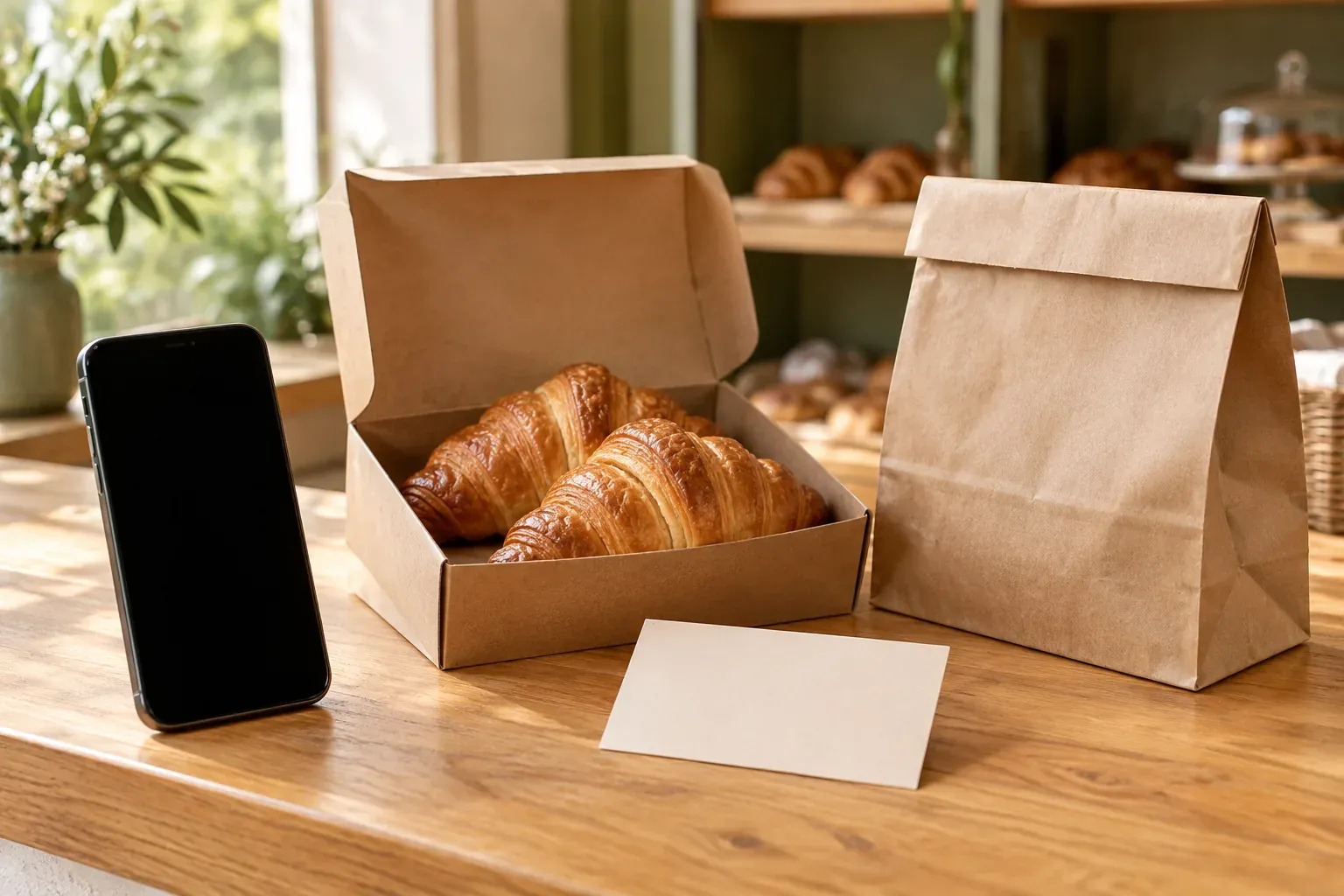
We will use a hypothetical example throughout: a small bakery offers a box of croissants for collection. This is an illustrative scenario, not a BotMarketing customer story or a promise of results.
Take customers to the offer they came for
Under a photograph of the box, the bakery writes: "See what is in the box and check the price in our Telegram bot, then place an order for collection." This invitation explains the value of opening the bot. "Subscribe to our bot" leaves the customer to work out why they should.
If the post features one box, link to its product card. If people are choosing among several breakfast options, link to the catalog. BotMarketing.pro supports bot launch parameters: item_42 opens the product with ID 42, while catalog opens the catalog. The example ?start=item_42__source_instagram combines opening a product with recording an entry source. Replace the ID and source name with your own values.
Test the link from Telegram using a customer account. Staff see a different bot mode, so checking only with the owner's account can hide difficulties buyers face. The smart bot links guide explains the available options.
Source recording is designed for new contacts. The label is useful for recording where someone entered, but does not explain why they bought or left, and does not keep a history of every later visit. Do not treat it as a complete sales funnel report.
Help people choose and place an order
Answer buying questions in the product card
The croissant box needs clear photographs, a description of its contents, the quantity, the price, and collection terms. Buyers need to know what they are paying for and when they can receive it. If the bakery must agree a specific time, say so directly: "A staff member will confirm the collection time after you place the order."
Look at recent customer questions. "How many are in the box?", "Are they filled?", and "Where do I collect it?" tell you what the description should explain. Add those answers to the card and leave individual questions for a staff conversation. Do not promise stock or delivery that the business cannot provide.
Go through checkout in the Mini App
The Mini App is an interface inside Telegram where customers can open the catalog, view a product, and place an order. Check this journey on a phone: is the product name clear, is the description readable, is the price visible, and can someone select the quantity and complete checkout? The company bot Mini App guide explains how the interface works.
Creating an order and paying for it are separate events. Payment terms depend on your process: for example, the bakery might accept payment on collection. Do not count a new order as a paid sale; tell the customer what happens next and who will agree the details.
Follow the order through to collection
For the bakery, an order starts the work: checking whether the box can be prepared, agreeing collection, and handing it over. Assign someone to handle new orders and agree who takes over when they are busy. If the business only replies during opening hours, tell customers in advance.
In BotMarketing.pro, staff can manage orders through the bot: accept an order, change its status, mark payment, and write to the customer. They can keep a conversation attached to the order and use an internal note for team information. Check notifications for the staff who actually fulfil orders, along with their access to the necessary actions.
In our hypothetical example, a staff member confirms: "We can have your box ready at 10:30. Collection is from the address on the product card. Payment is on collection. Does that work for you?" This is a sample message, not an automatic service template. Once agreed, the team delivers what it promised and records the actual outcome. A new-order notification does not confirm that the order is ready.
If the order falls through, record the known reason in an internal note. Several cancellations caused by collection times call for reviewing those terms, rather than sending more persistent promotional messages.
Offer another purchase when it is relevant
A message should help someone take the next step
After a successful order, the bakery might invite the customer to explore options for their next breakfast. Sending the same invitation every day is unnecessary. Consider the usual buying cycle and the person's interest; someone who needed a one-off gift may not want regular messages.
BotMarketing.pro lets you prepare automatic messages for selected recipients. Start with one clear purpose and check the audience, schedule, and text settings. Do not assume a message automatically runs after your chosen event: use only the conditions available in the settings. The automatic messages guide covers this in more detail.
Explain what you offer, who it suits, and where to go next. Do not send another promotional offer to someone who has asked you to stop those messages. Resolve a question about an ongoing order personally first: a promotional broadcast cannot replace customer service.
Make loyalty rewards work with your order economics
The bakery could choose a reward for visits or the accumulated value of fulfilled orders. The terms should be clear to the buyer, and the reward should be affordable for the business. First work out what remains after product costs, packaging, and service; then choose a benefit you can provide.
BotMarketing.pro supports several mechanisms, including visits, accumulated order value, discounts, cashback, and coupons. Choose one that fits the task instead of launching all of them at once. Feature availability depends on the plan and settings; you also need to organise visit confirmation or reward redemption. The guide to using a loyalty program effectively is a starting point.
Check the journey and improve one weak point
Before promoting the offer again, go through the purchase on a phone with a customer account. Check the whole journey, including staff actions:
- The invitation explains what people can choose or order.
- The link opens the intended offer, and its terms match the post.
- Checkout works, and the customer understands confirmation and payment.
- The responsible staff member receives a notification and can reply about the order.
- The status reflects actual fulfilment, and the customer can find their orders and ask a question.
- The repeat offer is relevant, and reward rules are clear to both parties.
Record your starting point: the number of placed and fulfilled orders, known cancellation reasons, and customers who bought again. If necessary, keep a simple manual record with consistent definitions: which orders count as fulfilled, and over what period you assess repeat purchases. Opening the bot, placing an order, and paying are different measures.
Then change one element: for example, link the post to the croissant box card instead of the general menu. Compare similar periods while accounting for enquiry sources, seasonality, and promotions. A handful of orders provides an observation, but does not prove that the change increased sales. If volume is low, continue collecting data and customer questions.
Start with the clearest obstacle. A clear product card helps people choose, an assigned staff member follows the order through to collection, and a relevant repeat offer gives customers a reason to return. The bot makes this journey easier when each step is backed by a promise the business can fulfil.