Tattoo Artists: Creative Briefs and Session Bookings in BotMarketing
By BotMarketing.pro published updated
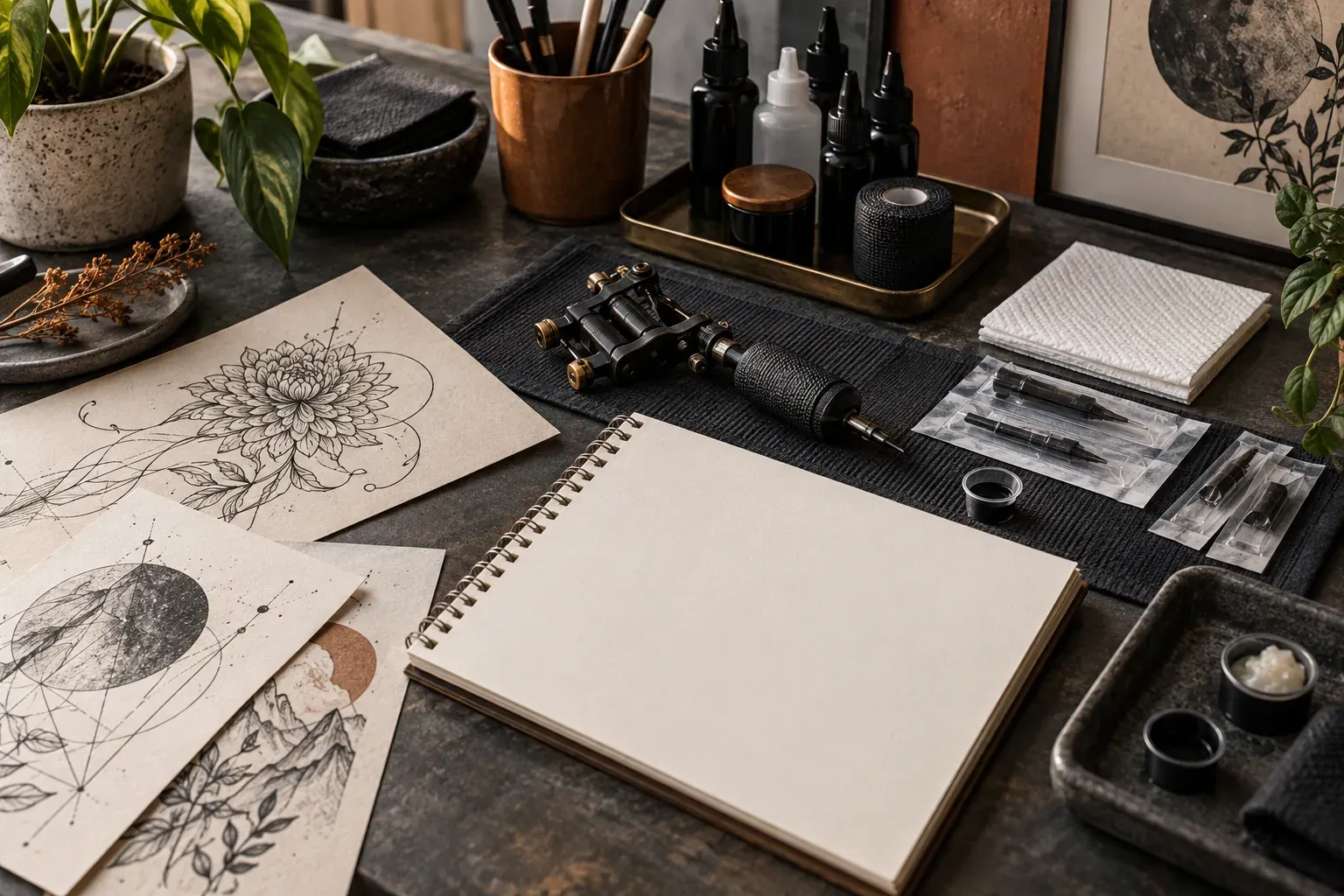
A client sends a botanical reference and asks for a price and the next available appointment. The artist still needs placement, approximate size and the intended scope. Offering a tattoo slot immediately can leave both sides expecting different work when the client arrives.
For custom tattoos, separate creative review, an accepted project and a booked stage. BotMarketing can present the artist’s work, receive a written enquiry and handle appointment requests. The artist decides whether the idea fits, what can be delivered and when to confirm a session.
Use the portfolio to shape a useful enquiry
Show work that represents the styles you accept. Explain whether enquiries may concern custom pieces, available flash, ongoing projects or cover-ups. Label portfolio examples clearly; they illustrate your work, rather than promise an identical copy. State when clients can see a design and how changes are handled.
Gypsy Tattoo’s booking guide starts with portfolio fit, the idea, placement and approximate size. Use that as an example of useful intake information, with your own studio policies:
- The subject and preferred style, including colour or black and grey.
- Placement and approximate dimensions, with the unit stated; mention alternatives if undecided.
- Two or three reference links, each explaining what matters: linework, composition or mood.
- Whether this is a new piece, continuation of your work or a cover-up needing separate review.
- A budget range, preferred dates, time zone and the time the client can make available.
Keep this a creative brief. Use your studio’s approved process and applicable requirements for identification, consent and health information, outside the ordinary bot enquiry.
A completed brief the artist can assess
I would like an original black-and-grey fern composition on the outer forearm, approximately 18 × 8 cm. Reference A shows the linework I like; B shows the arrangement of leaves. I do not want either image copied. This is a new piece. I can discuss budget and session count after your assessment. Tuesdays after 14:00 UTC work for me, with up to three hours available. Here are links to A and B.
The artist can assess fit, ask for clarification and decide whether a consultation is needed. Three hours here describes the client’s availability; it does not establish how long the tattoo will take.
Agree the project before booking a stage
Jade Palace’s appointment page separates consultations for discussing large or multi-session work. Make your own route equally clear, without adopting another studio’s rates or deposit rules:
- Review the brief. Accept the idea for discussion, request more detail or explain why it is outside your work. Receiving an enquiry is not accepting a project.
- Consult and propose the work. Agree placement, scale, composition, design-preview arrangements, estimated time and price. State when the number of sessions remains an estimate.
- Confirm the first stage. The client accepts the current proposal and your deposit/change terms. The artist checks payment through the chosen payment process before confirming the appointment.
- Record progress and decide the next stage. Note the work completed and what remains. Arrange another appointment only after the artist’s professional assessment and agreement with the client.
For the fern example, a project note might read: “T-17, version 1: outer forearm, 18 × 8 cm; first session covers the agreed part of the composition; remaining details to be discussed if the artist confirms another session is needed. Proposal accepted.” This is a manual record of agreement, not a replacement for required documentation or a new built-in project status.
A placement change needs a revised decision
If the client switches to a 24 × 10 cm piece on the upper arm, review composition, time and price before sending version 2 for acceptance. The original slot may no longer fit. A change in duration requires another availability check and an appropriate booking; moving the start time does not automatically update the scope or quote.
Set up and run the route in BotMarketing
Start with one artist and a clearly defined consultation. Check subscription features and staff permissions for enquiries and reservations before opening the route to clients.
- Create service cards. In the catalogue, create a service category and a “Tattoo project consultation” card with your price, duration, description and a gallery of portfolio work you have permission to publish. Include the brief and design-preview policy. Use separate session formats with known durations and prices for agreed work. The card price is not a calculator for any custom design; keep personal briefs out of public cards.
- Receive the creative enquiry. The client opens support/contact with staff in the bot or Mini App and sends the brief with reference links. Staff receive a notification and find the message in the company’s customer requests section, where they can reply. The artist reviews the idea and decides whether to offer a consultation. The message form does not assess artistic fit.
- Configure the artist’s availability. Enable booking for the bot and relevant services, then attach an active schedule. Consultations and tattoo sessions need to use the same availability for the artist: for example, a shared category schedule without separate higher-priority item schedules. Check external appointments, other schedules and preparation/reset time manually.
- Let the client request the agreed format. After discussion, the client selects the service and an available time in the Mini App, adding “T-17, version 1, first stage” as a comment. BotMarketing creates a linked order and a Requested reservation, with the comment in both records. A public service card remains available to new clients; it is not restricted to approved projects.
- Review before confirming. In Reservations, staff check the client, project version, duration, outside commitments and deposit terms, then confirm a suitable request. Review, propose another time or cancel an unsuitable one. Requested appointments already occupy time in their schedule, so resolve them promptly. A payment link does not prove receipt or track deposit allocation across sessions.
- Connect the next session to the project. Add an internal order note with the completed stage and current plan, excluding health information, and send the client an organisational message. Once the artist agrees the next stage, the client requests another appointment using the same project reference. Session plans, deposit allocation and links between separate orders remain manual; there is no automatic session series or assessment of readiness to continue.
Confirm what the appointment actually covers
Include the time zone, location, stage and accepted terms. Preparation and aftercare guidance belong to the studio’s professionally approved process; a booking message should not invent clinical advice.
Confirmation and rescheduling messages
These are illustrative messages. Replace the dates, project reference, location and terms with the accepted proposal.
T-17, version 1: your first stage is confirmed for 20 October at 14:00 UTC at the agreed studio address. We have reserved the three-hour format; scope and price are in the proposal you accepted. Your deposit has been checked and its allocation agreed. Please contact us before the visit if your idea or available time changes, so the artist can check whether this booking still fits.
We have received your request to move T-17. We can discuss 27 October at 14:00 UTC. Your current booking remains on 20 October until you reply. Please confirm whether the new time works; staff will then update and reconfirm the reservation and explain how the agreed change terms apply.
Get agreement before changing the reservation. Proposing a new time in the service returns it to a requested state, requiring confirmation again. Update any previously prepared reminders manually.
A next-stage message can say: “The first stage of T-17 is complete. The artist would like to discuss the remaining work; please contact us to arrange the next step.” It concerns the agreed project and makes no promise about when someone will be ready for another session. Obtain separate permission for portfolio photographs; the photographer workflow also discusses publication permission.
Before opening bookings, test an incomplete brief, a placement change, an unapproved session request and a reschedule. At each point, the client and staff should understand which decision is still pending and who makes it.