Private Chef Dinner Briefs and Orders in BotMarketing
By BotMarketing.pro published updated
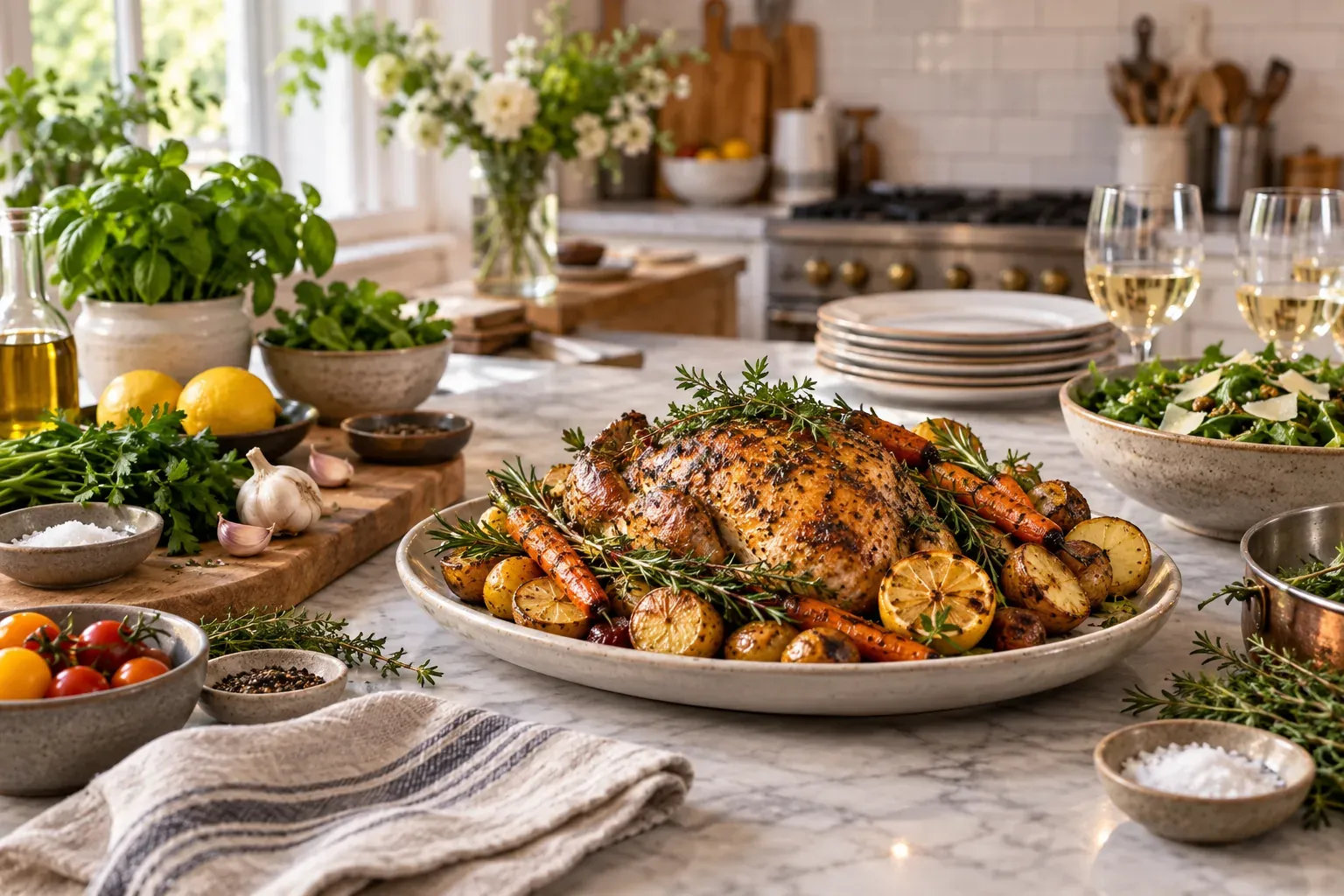
“Dinner for six at home” is not a complete private-chef booking. The client may expect individually plated courses, while the chef plans sharing dishes. On arrival, the oven turns out to be broken, the fridge is full and there are only four place settings.
Confirm the menu, kitchen conditions and service scope before accepting the work. Below are a dinner brief, a responsibility table and confirmation messages, followed by the specific BotMarketing steps for handling the enquiry and order.
Collect a dinner brief before quoting
Start with the service format. Cooking on site, delivering prepared dishes and preparing several days of meals require different equipment, timing and handover arrangements. Explain the formats you actually offer so a sample menu does not imply full table service.
- Occasion and format: family dinner, celebration or recurring cooking; sharing dishes or individually plated courses.
- Date and timing: kitchen access, first service and when the chef’s work must finish. State the venue’s local time zone.
- Guest count: required portions, separate children’s meals and the deadline for confirming final attendance.
- Menu direction: dishes, number of courses, preferences and dietary requirements for the chef to review.
- Budget: currency and limit; whether ingredients, assistants, travel and rentals are included; per-person or per-event pricing.
- Location and kitchen: area for travel assessment, exact address when agreed, facilities, entry and parking.
- Client contact: who approves the menu and changes, meets the chef and answers questions on the day.
Assess travel, workload, staffing, ingredients and the preparation environment before confirming availability. An enquiry acknowledgement does not confirm the menu or date. Explain the payment, guest-count change and cancellation arrangements that apply to your service before acceptance.
Check the kitchen against the proposed menu
A kitchen photograph helps when you explain what you need to see. It cannot establish whether the oven works or whether there will be space for your ingredients. Check these six areas:
- Cooking equipment: type and working condition of the hob, oven and other appliances needed for the proposed dishes.
- Storage: available space and suitable conditions for ingredients; what the client must clear before arrival.
- Workspace: preparation surfaces, water, handwashing, utensil washing and cleaning arrangements.
- Process separation: whether the kitchen supports the required food handling and guests’ dietary needs.
- Tools and tableware: what you bring, what the host provides and what requires rental.
- Access: entry contact, unloading, other household cooking and arrangements to keep pets away from the work.
Privato’s FAQ, for example, asks for working appliances, fridge space and clear counters, and distinguishes the host’s tableware from optional rentals. These are one provider’s arrangements; define and inspect the conditions for your own service.
If the equipment or space cannot support the proposed dinner, offer a feasible alternative or decline that scope. A selected time and a kitchen photograph do not replace the chef’s assessment of the actual environment.
A dietary request needs review before acceptance
Distinguish preferences such as disliking mushrooms from allergies and other dietary requirements. Ask which ingredients must be avoided and which portions are affected. Detailed medical histories or guests’ medication lists are generally not needed for this planning conversation.
Review recipes, purchased ingredients, possible substitutions and the shared preparation environment. Ingredient information must match the food actually served. A different sauce or supplier brand can require another check and an updated message to the client.
The FSA’s allergen guidance connects ingredient records with cross-contact controls and explains why vegan and free-from claims are different. Its legal scope is England, Northern Ireland and Wales; check the rules for your own operating location. A bot comment does not establish that a dish is safe for a guest with an allergy.
If you cannot meet the required conditions, explain that before accepting the work rather than promising a suitable meal. The absence of an ingredient from a dish’s name is not evidence that it is absent from every component or the preparation environment.
Agree who supplies each part of the service
A quotation should explain who buys, prepares, serves and clears up, alongside what guests will eat. This illustrative dinner is for six guests, with sharing dishes. It is not a capacity standard for one chef or a default package for every booking.
| Work | Chef’s responsibility | Client’s responsibility | Confirm separately |
|---|---|---|---|
| Menu | Propose and record dishes, portions, ingredients and menu version. | Approve the menu for six guests and disclose requirements. | Children’s portions, extra courses and permitted substitutions. |
| Ingredients | Shop for agreed ingredients; their cost is included in this quote. | Clear the agreed storage space. | Drinks, host-supplied products and the price impact of substitutions. |
| Equipment | Bring the listed knives, boards and working utensils. | Provide the checked hob, oven and work area. | Missing appliances, rentals and a further kitchen check. |
| Tableware | Use the agreed serving dishes for the sharing table. | Provide plates, cutlery and glasses for six guests. | Rentals and table styling are excluded from this example. |
| Service | Cook and set out dishes in the agreed sequence. | Have the table ready and accessible. | A server, individual plating and drinks service. |
| Cleanup | Clean the working area and used cooking utensils. | Arrange dining-room and guest-tableware cleanup. | Extent of cleaning, waste removal and rental returns. |
| Visit | Arrive and finish work at the agreed times. | Meet the chef and provide entry and unloading access. | Travel, parking, extended service and its cost. |
A switch from sharing dishes to three individually plated courses may change staffing, tableware, timing and price. A guest-count increase from six to eight needs a purchasing and kitchen-capacity review. Treat it as a scope change rather than just editing a number in the chat.
Confirm the menu and conditions in one message
For a checked kitchen and an agreed scope, adapt this example. Dish names are abbreviated here; send the detailed ingredients and current food information with the menu.
Confirming dinner on 19 October for six guests: menu v1 includes a vegetable starter, poultry with sides and a fruit dessert; ingredients are in the agreed document. Sharing service, without a server. Arrival 16:00, dinner starts 19:00, work finishes 22:00, all venue local time.
The agreed quote includes ingredients, listed tools and work-area cleanup. The client provides plates, cutlery and glasses and arranges guest-table cleanup. Kitchen conditions have been checked; dietary questions have been reviewed and communicated separately. Please confirm menu v1, guest count, service scope and the quoted total. We will review changes before shopping.
For an additional request, acknowledge the review rather than instantly confirming the new work:
I received your request for eight guests instead of six. I will check ingredients, preparation capacity, service and price, then send menu and quote v2. The agreed v1 arrangements still apply; the additional scope is not yet confirmed.
Handle a separate celebration cake using the cake-order workflow. For an event requiring larger-scale production and delivery, see the catering workflow.
Handle the in-home dinner through BotMarketing
Use the service for offers, incoming enquiries and the order conversation. The chef makes the decision to deliver the menu after checking the conditions:
- Publish clearly scoped services. Describe an in-home dinner, family cooking and other formats you genuinely deliver separately. Include your service area, price basis, inclusions and kitchen requirements. Check access to the required features under your plan. A service card offers “Order”, without a basket; goods stock does not represent ingredient inventory or the chef’s evening availability.
- Collect the brief through support. Share the bot link and ask the client to use support or
/support. Send the brief above. The chef or staff member opens the conversation in Support requests and clarifies guests, menu and kitchen. Agree a suitable way to share photographs or a longer specification with access limited to the people who need it. The bot does not automatically create a custom kitchen questionnaire. - Offer an order after checking the conditions. Manually agree menu, scope, cost, payment and date. The client orders the appropriate service through the bot or Mini App; staff open the new order and accept it into work: New → Processing. Its price comes from the service card, so check that it matches the proposal. For a bespoke menu with a separate quote, explain exactly what the service order covers. Processing is not allergen approval or an evening reservation.
- Keep changes with the order. The client adds a short comment: “Eight guests instead of six.” Staff receive a notification and open the order. Recheck kitchen capacity, ingredients, portions, service and price. The comment does not automatically recalculate shopping quantities or the menu.
- Record and send the agreed outcome. Add an internal order note with menu version, guest count, kitchen-review outcome and outstanding actions, avoiding unnecessary personal details. Use the order card to send the client a separate message with menu and conditions. After the reply, update the working specification, note, shopping plan and service arrangements. An internal note is not client acceptance; dietary information is not a promotional segment.
- Test the route with a sample order. Go through the enquiry, agreed service and six-to-eight guest change. Check that staff can see the comment, the client receives the answer and menu and quote refer to the same version. Before travelling, manually recheck access, appliances, purchasing, ingredients and timing with the responsible client contact.
BotMarketing keeps the order and messages. It does not inspect the home kitchen, calculate portions or make food-safety decisions. Purchasing, storage, transport and cooking require the chef’s own professional procedures and compliance with the applicable rules.
Start a returning client’s dinner with fresh information
Complete the promised work: accounts, agreed cleanup, rentals and unresolved questions. Mark the order completed when obligations are finished and give the client a clear route to enquire again.
Reconfirm guests, dietary needs, menu, kitchen and budget for the next visit. Past preferences can start the conversation but do not constitute current approval. Occasion reminders are appropriate when the client asks for them; guest contacts and dietary details do not become a marketing list.